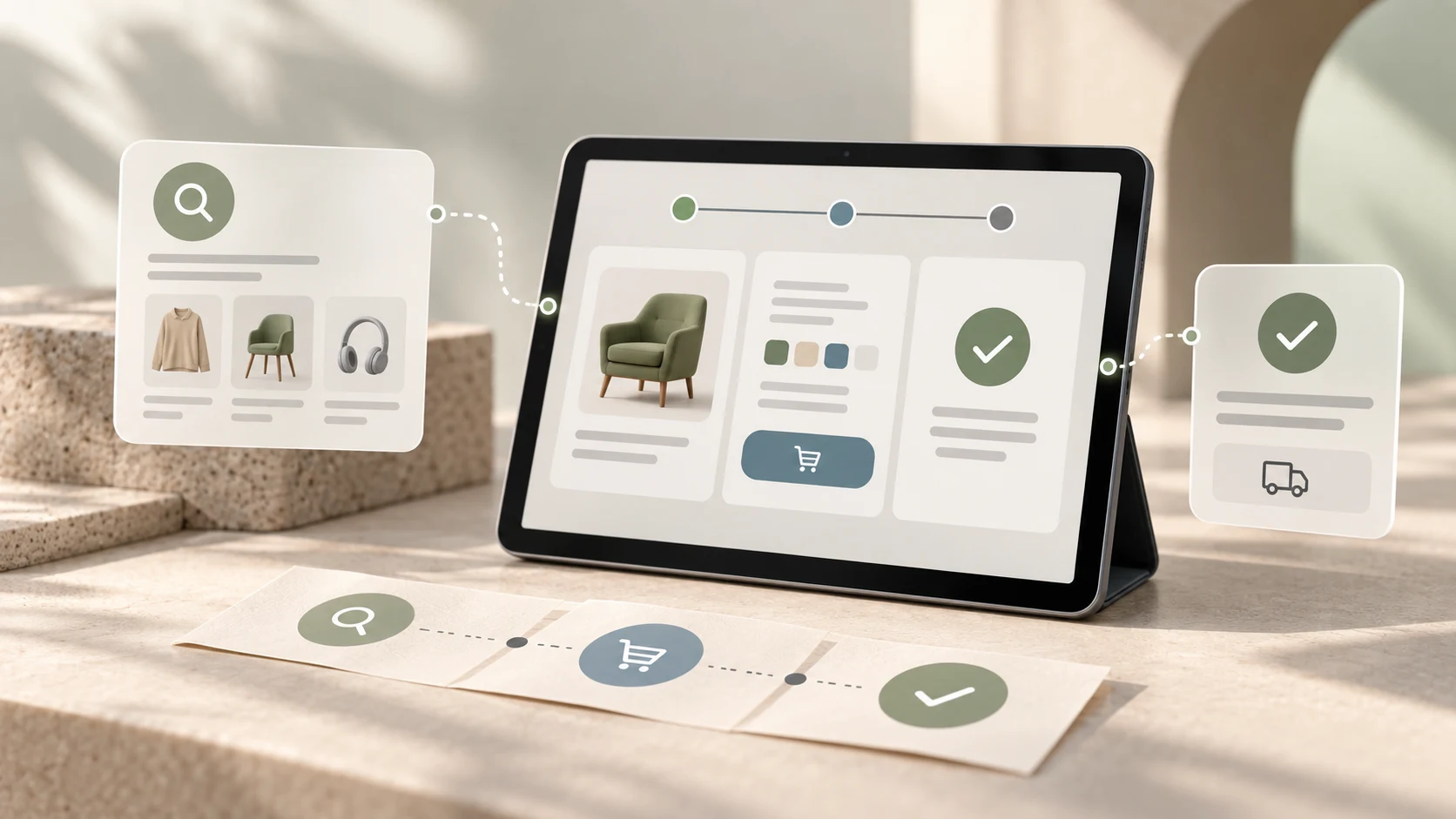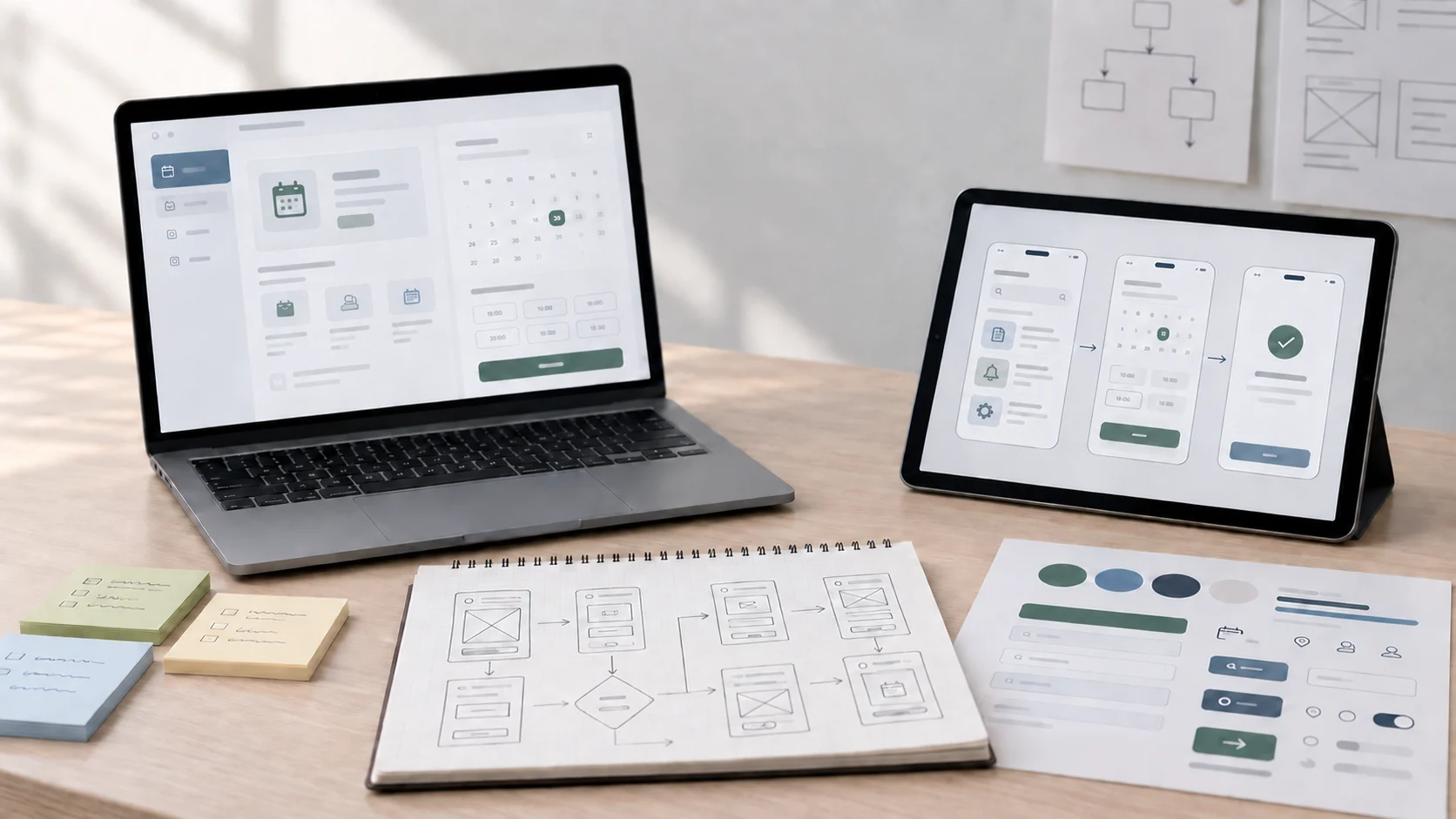
Figma Make can accelerate parts of the design process, but that does not mean it can replace UI/UX designers. What it really changes is the speed of first drafts, interface exploration, and production assistance. The harder parts of design still depend on human judgment.
That distinction matters because many people confuse screen generation with design itself. A tool can produce layouts quickly and still fall short of what product teams actually need. Real UI/UX work includes deciding what should exist, how it should behave, what users need, what tradeoffs matter, and how the experience should feel across a full journey.
If you want a more direct comparison between the tools themselves first, the related article on Figma Make vs Figma Design explains the workflow difference more clearly. This article focuses on the replacement question behind that comparison.
01 Why This Question Is Growing So Fast
The question feels urgent because AI-assisted tools now generate interface concepts, layout directions, and design variations much faster than traditional blank-canvas workflows. That makes it easy to assume the designer is becoming less necessary.
But speed is not the same as design quality. In many cases, AI-generated screens look convincing at first glance while still missing deeper clarity, hierarchy, logic, accessibility, or product fit. That is where the designer’s role becomes more obvious again.
"Faster interface generation is not the same thing as replacing experience design."
02 What Figma Make Can Probably Do Well
Figma Make is useful when you need rapid exploration. It can help with early visual directions, quick pattern generation, rough UI composition, and experimentation around ideas that would otherwise take longer to build manually. That can make concepting faster and reduce some repetitive production work.
This is especially helpful in the earliest stages of design, where quantity of exploration can matter. A designer who knows what they are looking for can use tools like this to move faster without giving up control.
Where AI-Assisted Design Tools Usually Help Most
- Generating early UI directions
- Exploring alternate layout ideas quickly
- Reducing repetitive interface production work
- Helping designers break through blank-page friction
- Accelerating concept presentation and iteration
03 What It Still Cannot Do Reliably
The biggest gap is context. Good UI/UX design depends on understanding users, tasks, product constraints, business goals, content realities, and experience tradeoffs. A generated screen may look polished and still solve the wrong problem or create new confusion.
This becomes even more important in flows, systems, and edge cases. Designers are not only arranging boxes. They are deciding what information matters, what needs emphasis, what interaction feels trustworthy, and how different parts of the experience connect.
04 UI/UX Design Is More Than Screens
A large part of design value sits outside the final visual. It includes structure, reasoning, prioritization, user empathy, collaboration, and the ability to make ambiguous product problems clearer. That is why understanding why user experience is important matters so much here. Good design is not only what users see. It is how well the experience supports them.
When teams hire UI/UX designers, they are usually hiring for thinking as much as for visual output. The screen is evidence of the process, not the whole job.
"Design tools can generate options. Designers still decide which option deserves to exist."
05 Which Designers Are Most at Risk?
The designers most vulnerable to replacement pressure are usually the ones doing highly repetitive, low-context work without much strategic or UX depth. If someone mainly reproduces familiar patterns without explaining their reasoning, AI-assisted tools can absorb part of that value more easily.
That does not mean the field is disappearing. It means shallow design work is becoming easier to automate, while deeper design thinking becomes more valuable. The same broader shift is visible in the changing future of AI design courses, where tool fluency matters most when it is paired with stronger fundamentals.
What Still Makes Designers Valuable
- Clear UX reasoning and product thinking
- Strong content, hierarchy, and usability judgment
- Accessibility and inclusive design awareness
- Ability to translate messy problems into clear flows
- Collaboration with developers, product teams, and stakeholders
06 The Better Question Is How Designers Should Adapt
Instead of asking whether Figma Make will end UI/UX design, it is more useful to ask how designers can work with tools like it well. The designers who benefit most will be the ones who can direct the tool, judge the output, and refine it with stronger UX awareness.
That means the future is less about competing with AI at raw screen generation and more about becoming better at editorial judgment, system thinking, communication, and interface refinement.
07 What This Means for Beginners
For beginners, this shift should not be read as a reason to quit. It should be read as a reason to learn more intelligently. You still need foundations in layout, hierarchy, interaction thinking, and usability. But now you also benefit from understanding how AI can support ideation and workflow speed.
If you are entering the field, your goal should not be to look useful only when no AI is available. Your goal should be to become the person who can use new tools without losing design quality. That same career adaptation is part of the logic behind why learning AI now for your career matters across modern digital roles.
How Designers Can Stay Stronger in an AI Shift
- Strengthen UX fundamentals, not just tool familiarity
- Learn to critique and refine generated outputs
- Build clearer process and reasoning in case studies
- Get better at accessibility, hierarchy, and flows
- Use AI for speed without handing over judgment
08 So, Can Figma Make Replace UI/UX Designers?
Not fully. It can replace some manual effort, some repetitive production, and some early concepting time. But it does not replace the human ability to understand people, define better problems, shape product experience, and make design decisions under real constraints.
What it does replace most effectively is slower, shallower workflow. Designers who only rely on surface-level output may feel more pressure. Designers who bring insight, structure, and stronger UX judgment will likely become even more valuable.
Figma Make is not the end of UI/UX design. It is a shift in how design work begins and how fast certain outputs can appear. The real value of a designer still lives in judgment, context, usability, communication, and decision-making. Tools can generate options quickly. Great designers still turn those options into better experiences.
FAQ
Common questions about Can Figma Make Replace UI/UX Designers?
A quick summary of the most common questions readers have about this topic.
No. Figma Make can speed up certain parts of interface creation and experimentation, but it does not replace the human judgment needed for product strategy, usability, content decisions, accessibility, and experience design.
Figma Make is useful for fast exploration, idea generation, early interface drafts, and speeding up repetitive production tasks inside design workflows.
Designers still matter because good product experiences depend on understanding users, context, tradeoffs, flows, clarity, and decision-making that go beyond generating screens.
Designers should take the shift seriously, but the better response is adaptation. Learning how to direct and evaluate AI-assisted output is more useful than resisting it.
Designers can stay valuable by strengthening UX thinking, communication, systems thinking, research awareness, and the ability to guide AI tools toward better outcomes.