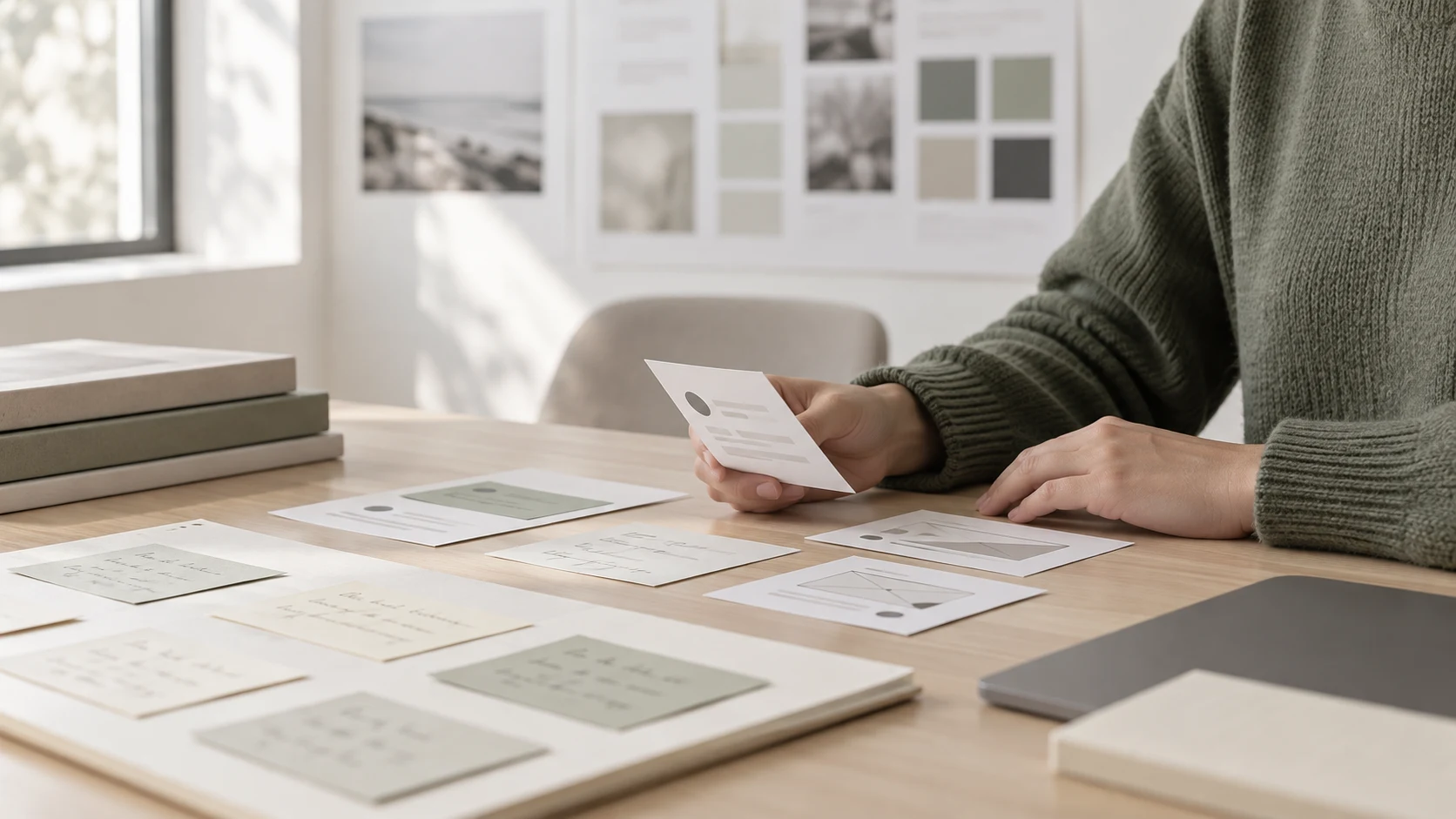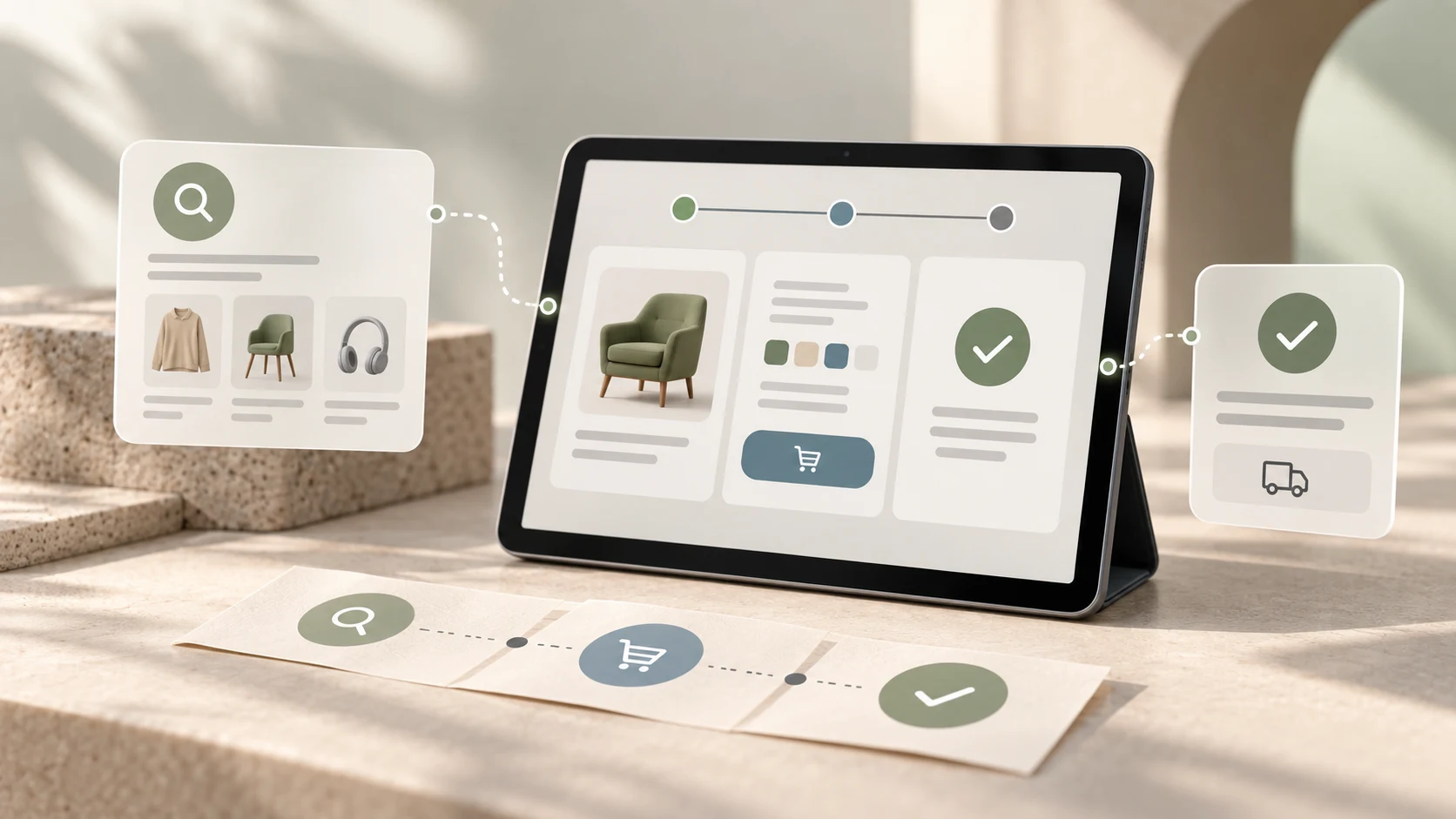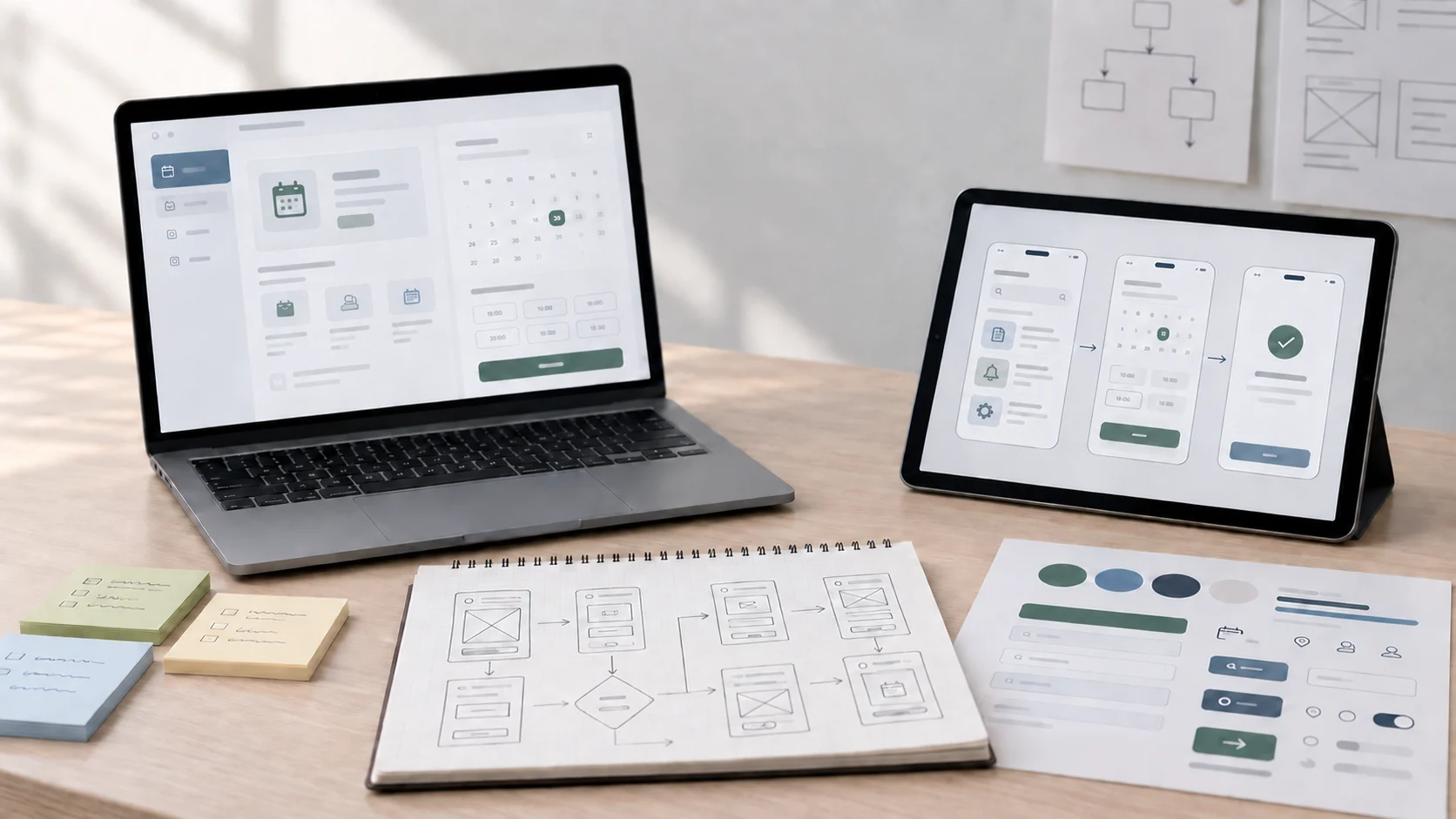
Figma Make and Figma Design are not really enemies. They solve different parts of the same workflow. One helps you move faster from an idea toward something visible and interactive. The other helps you shape that work into a reliable design system, a product-ready interface, and a file your team can actually build from. If you mix up those roles, the tools can feel confusing. If you understand the split, they complement each other well.
A lot of designers are asking whether Figma Make changes the need to learn classic Figma design skills. The short answer is no. It changes the pace of exploration, not the need for judgment. That matters for students, freelancers, and product teams alike because the most valuable skill is still knowing what should be built, what should be simplified, and what is only impressive at first glance.
If you have already been thinking about how AI is changing creative workflows, this topic connects closely with the broader shift covered in our article on the future of AI design courses. The tools are getting faster, but thoughtful process still wins.
01 Figma Design Is Built for Structured Product Work
Figma Design is the environment most designers already know. It is where you create layouts, components, variants, design systems, responsive frames, and production-oriented interface files. It supports the disciplined part of the workflow: consistency, hierarchy, spacing logic, reusable patterns, and collaboration across a team.
That structure is why Figma Design still matters so much. Product teams do not just need fast screens. They need dependable patterns, maintainable systems, and files that developers and stakeholders can understand. Figma Design is strong because it supports the long life of a product, not just the first spark of an idea.
"Figma Design is where interface ideas become organized, reusable, and real."
02 Figma Make Pushes Faster Exploration and Generation
Figma Make is useful when speed matters more than precision in the first step. It helps teams move from a rough prompt, concept, or direction toward something more tangible without manually building every element from scratch. That makes it attractive for ideation, experimentation, rough interactive concepts, and early-stage exploration.
The benefit is obvious: less blank-canvas friction. Instead of slowly assembling every block before you can react to an idea, you can get to something visible sooner. That does not mean the output is automatically strong. It means the conversation can start earlier.
Where Figma Make Can Be Especially Helpful
- Exploring different interface directions quickly
- Testing rough concepts before full manual refinement
- Generating starting points for landing pages or product ideas
- Reducing early mockup time during creative exploration
- Helping non-designers visualize a direction faster
03 The Core Difference Is Speed Versus Structure
The cleanest way to understand the difference is this: Figma Make is optimized for momentum, while Figma Design is optimized for control. Make helps you get moving. Design helps you get precise. Make helps you react to possibilities. Design helps you define decisions.
That distinction matters because many designers mistake faster generation for finished design. A generated layout may look polished enough for a screenshot, but real interface work still depends on hierarchy, accessibility, interaction logic, edge cases, and repeatable systems. That is where structured design tools continue to matter.
04 Figma Make Does Not Replace Design Fundamentals
This is the part worth repeating. Figma Make may reduce manual setup work, but it does not remove the need to understand UI and UX fundamentals. Designers still need to judge whether a screen is clear, whether the CTA is obvious, whether the spacing supports hierarchy, and whether the experience actually serves the user.
That is the same reason user experience still carries so much weight in product work. If you want a deeper foundation here, our article on why user experience is important explains why visual output alone is never enough. Faster tools can generate more options, but they cannot guarantee good decisions.
"AI-assisted speed is useful. Design judgment is still the filter that turns speed into quality."
05 When To Use Figma Make
Use Figma Make when you are still shaping direction. It is strongest when the goal is to generate, explore, compare, or prototype an idea quickly enough that the team can react before too much time is sunk into the wrong path. Founders, marketers, students, and designers can all benefit here, especially when the alternative is getting stuck at the blank page stage.
It is also useful for rapid workshop output, concept pitching, and early collaboration with people who think better once they can see something concrete. In those moments, speed creates alignment.
06 When To Use Figma Design
Use Figma Design when the work needs to become dependable. That includes refining flows, building repeatable components, defining states, cleaning up hierarchy, setting up design systems, and preparing files for developer handoff. If something needs to survive team collaboration and product iteration, Design is the stronger home.
This is especially important for learners. If someone wants to work professionally in UI, UX, or product design, skipping core design workflow skills would be a mistake. That is why structured training still matters, whether through daily practice or a guided path like the Professional UI/UX Design Program.
Use Figma Design When You Need
- Clean component structure and reusable patterns
- Scalable design system decisions
- Detailed responsive layouts and edge-case handling
- Developer handoff clarity
- Team collaboration around a stable source of truth
07 The Best Workflow Usually Uses Both
For most teams, the answer is not choosing one forever. The better workflow is often to use Figma Make for exploration and Figma Design for refinement. Generate early possibilities quickly, then move the strongest direction into a structured design environment where it can be improved properly.
That hybrid workflow mirrors the larger direction of modern design work. Tools are speeding up ideation, but serious outcomes still come from critique, systems thinking, and the ability to turn loose ideas into clear product decisions. The winning designer is not the one who avoids new tools or blindly trusts them. It is the one who knows where each tool belongs. That logic also carries directly into build workflows such as Figma to WordPress with AI, where structured design and faster implementation need to work together.
Figma Make and Figma Design are different because they serve different stages of the creative process. Figma Make helps you explore and accelerate. Figma Design helps you organize, refine, and scale. If you are learning design, do not treat Make as a shortcut around fundamentals. Treat it as a faster starting point that becomes much more powerful when your UI and UX judgment is strong.
FAQ
Common questions about Figma Make vs Figma Design: What's the Difference?
A quick summary of the most common questions readers have about this topic.
Figma Design is mainly for creating structured interface designs, components, and systems. Figma Make is more focused on turning ideas into interactive or generated outputs faster, often with AI-assisted help.
Beginners can explore ideas with Figma Make, but they should still learn Figma Design fundamentals. Without layout, hierarchy, and component skills, generated output is harder to judge and refine well.
Yes. It can speed up ideation, mockup exploration, and early experimentation, while Figma Design remains essential for structured product design, consistency, and production-ready handoff.
Usually no. Most teams benefit from using Figma Make as a fast exploration layer and Figma Design as the main workspace for systems, polish, collaboration, and implementation-ready design work.
Real product teams generally need both, but Figma Design remains the core tool for scalable product work because it supports components, shared libraries, consistency, and clearer developer handoff.