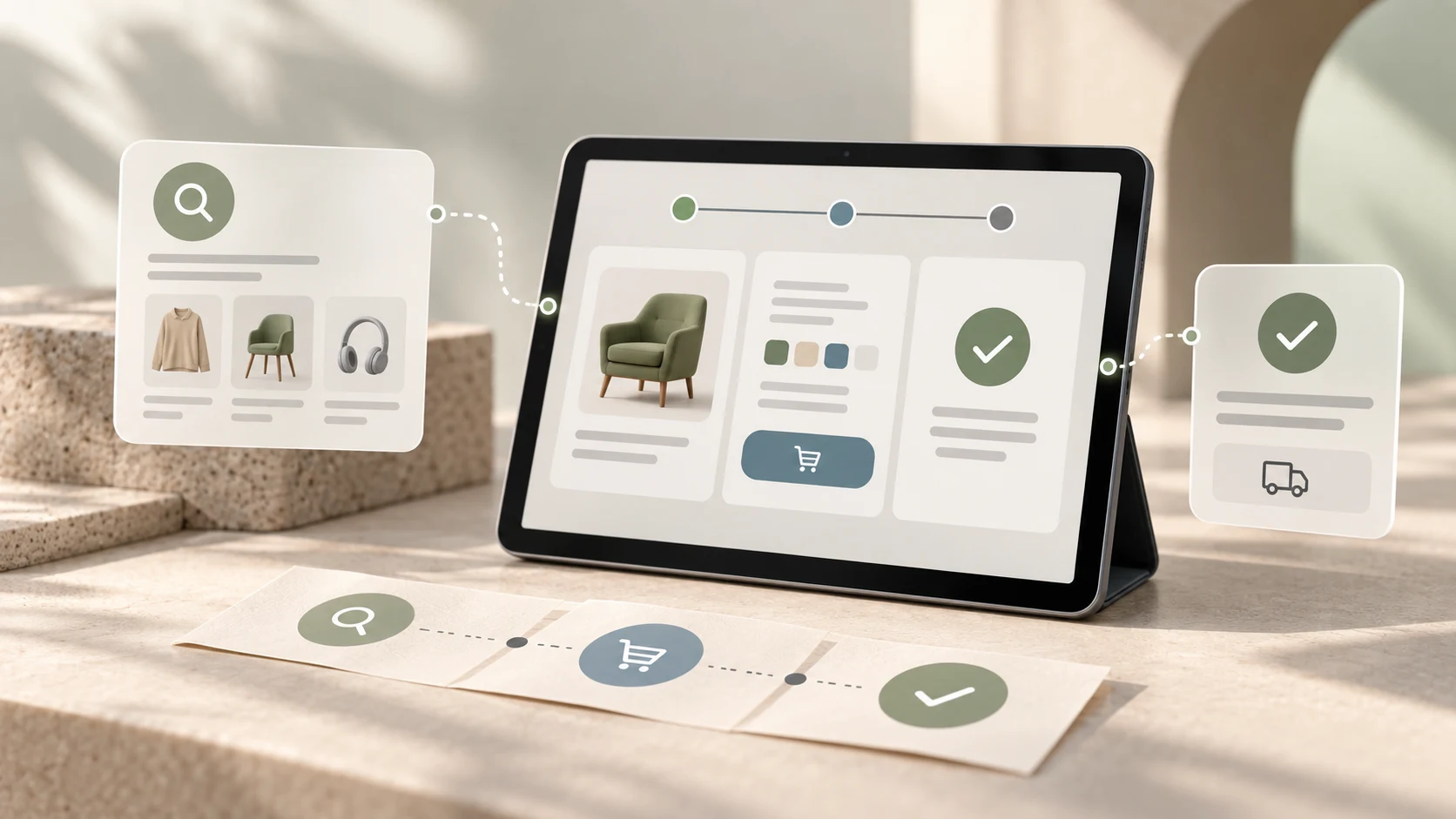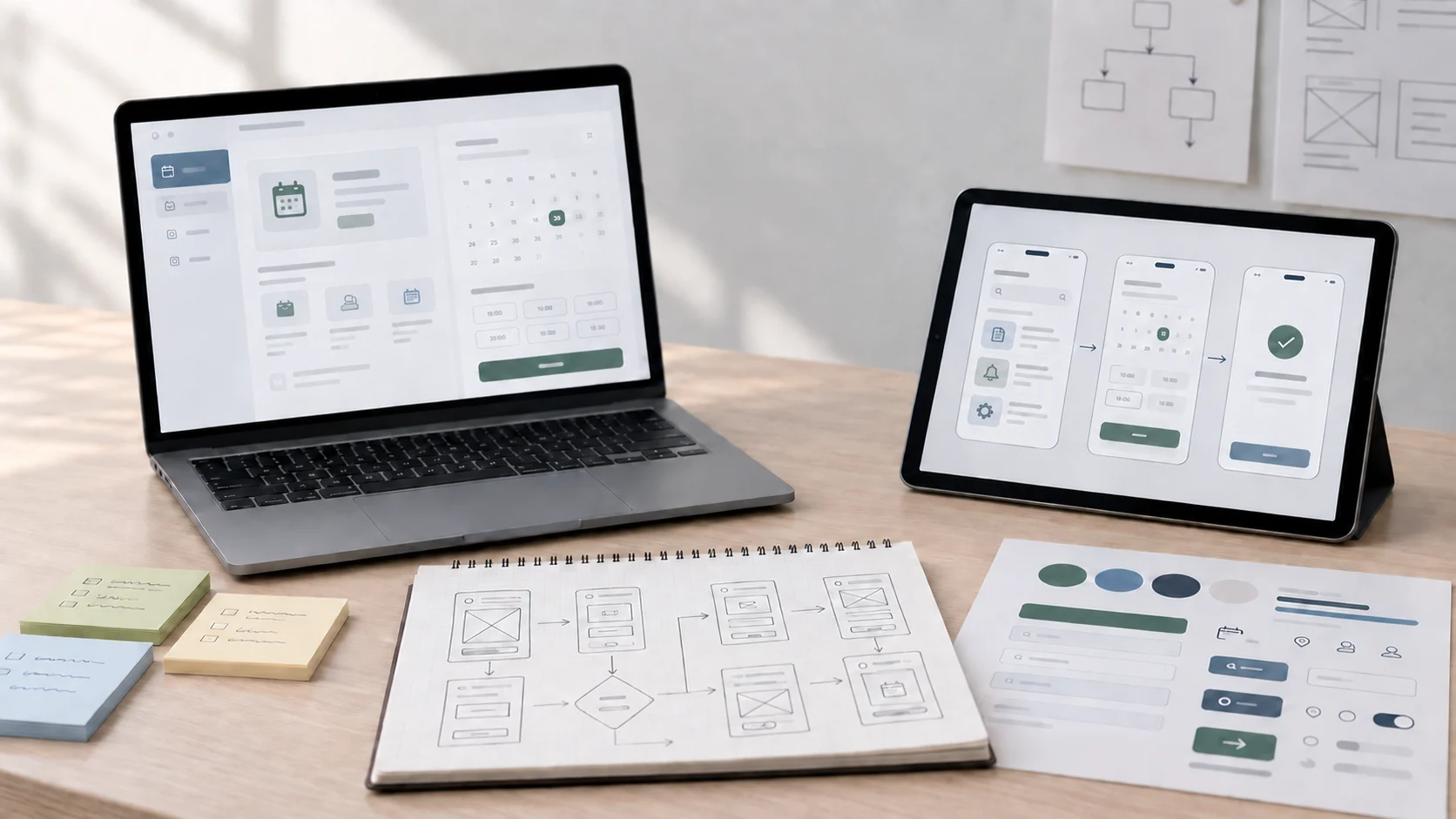
Figma to WordPress with AI is quickly becoming one of the most practical website development workflows for modern designers, freelancers, and implementation-focused learners. Instead of treating design, build, and launch as completely separate worlds, this workflow connects them more directly and helps teams move from concept to live website with less friction.
That matters because many businesses do not just want a good-looking design file. They want a website that can actually go live, work across devices, load well, stay editable, and support real business goals. AI can speed up planning and implementation, but the real value still comes from knowing how to translate a design into a usable, maintainable website.
For learners who want a structured path into that workflow, the Figma to WordPress + AI Website Development Program is the most direct course fit on the site right now because it connects design translation, WordPress build logic, and AI-assisted workflow habits into one practical track.
01 Why This Workflow Matters More in 2026
Website expectations have changed. Clients and businesses still care about visual polish, but they also care about speed, editability, mobile responsiveness, SEO foundations, and how fast a project can move from concept to launch. That makes design-to-development workflows more valuable than isolated design skill alone.
Figma gives structure to the design side. WordPress gives flexibility and a practical CMS on the live side. AI helps reduce some of the friction between them by assisting with planning, repetitive implementation, code suggestions, and faster exploration. Together, they create a workflow that feels highly relevant for current website work.
"The future is not just designing websites faster. It is turning design intent into launch-ready websites more intelligently."
02 What Figma Contributes to the Process
Figma gives clarity before development begins. It helps define layout systems, spacing logic, content hierarchy, reusable sections, and responsive structure before those decisions become code or page-builder output. That early design clarity reduces confusion later in the build.
This is one reason strong Figma skills still matter even when AI enters the picture. If the design file is poorly structured, unclear, or inconsistent, the build process becomes slower no matter how many tools are available. The same broader logic is explored in the related article on Figma Make vs Figma Design, especially around the difference between fast exploration and structured design control.
What Figma Helps Clarify Before the Build
- Section structure and page hierarchy
- Responsive layout planning
- Typography and spacing systems
- Reusable visual patterns
- Content flow and CTA placement
03 What WordPress Contributes to the Process
WordPress turns the design into something businesses can actually use. It provides a flexible publishing environment, editable content structure, plugin ecosystem, and practical path to launch for many service businesses, agencies, and freelance projects. That is why WordPress remains relevant even as newer website tools keep appearing.
For many real-world projects, the value is not only in getting a site online. It is in creating something clients can manage after launch without breaking the whole experience. That makes CMS thinking part of the skill, not just frontend styling.
04 Where AI Actually Helps
AI is most useful when it reduces friction without replacing thinking. In a Figma to WordPress workflow, that might mean helping break a design into buildable sections, suggesting code structure, accelerating repetitive markup or styling tasks, clarifying implementation options, or helping troubleshoot issues faster.
It can also support planning. Designers and developers can use AI to think through reusable components, content structure, and edge cases before those become expensive mistakes. This fits the broader shift described in our article on the future of AI design courses, where workflow intelligence matters more than tool hype alone.
"AI works best here as an accelerator for the workflow, not as a substitute for build quality."
05 Why Human Judgment Still Matters
A website can look complete in a screenshot and still fail in real use. Layouts may break, content may feel awkward in the CMS, mobile behavior may become inconsistent, accessibility may be weak, or performance may suffer once plugins and real content are added. That is why human review still matters deeply.
Someone still needs to judge whether a section is reusable, whether spacing remains clean across breakpoints, whether content editing will be easy later, and whether the final site actually supports the user and business goal well. AI can assist the process, but it does not remove responsibility for the final result.
What Still Needs Human Review
- Responsive behavior across real devices
- Accessibility and readability
- CMS structure and content editing logic
- Performance and plugin decisions
- Design fidelity and visual consistency
- Client usability after handoff
06 Who Benefits Most From Learning This
This workflow is especially valuable for designers who want more implementation control, freelancers who want to deliver more complete client projects, and developers who want smoother design-to-build communication. It is also useful for people who already understand basic HTML and CSS and want to turn those foundations into more client-ready outcomes.
That is one reason this path can be attractive in regional service markets too. Many businesses need modern websites, but they do not always need a heavy custom app stack. They often need a practical, editable, well-designed site that can launch efficiently and evolve later.
07 Why This Feels Like the Future of Website Development
The future of website development is not one tool replacing every other tool. It is better workflow orchestration. Designers, builders, and freelancers who can move from Figma to a live WordPress site with AI-assisted support gain a real advantage because they cover more of the actual delivery chain.
That advantage is not just speed. It is clearer communication, fewer handoff gaps, faster iteration, and more realistic project delivery. For people interested in how AI is changing adjacent creative careers more broadly, learning AI now for your career connects well with the same idea.
08 The Real Opportunity
Figma to WordPress with AI is worth paying attention to because it blends three things businesses actually need: design clarity, website practicality, and faster execution. The opportunity belongs to people who can use AI thoughtfully while keeping real control over quality, structure, and launch readiness.
That makes this workflow more than a trend. It is a useful bridge between design and development at a time when clients increasingly value people who can think across both.
The future of website development is likely to reward people who can move beyond isolated tools and work across the full path from concept to launch. Figma to WordPress with AI reflects that shift well. It gives designers, freelancers, and implementation-minded learners a more complete workflow, but the real advantage still comes from human judgment, responsive build quality, CMS thinking, and the ability to turn a design into a reliable live experience.
FAQ
Common questions about Figma to WordPress with AI: The Future of Website Development
A quick summary of the most common questions readers have about this topic.
It means using Figma for design, WordPress for the live website, and AI to speed up planning, code assistance, structure decisions, and workflow efficiency during the build process.
AI can help accelerate parts of the process, but a strong live website still needs human review for responsiveness, structure, performance, content flow, and CMS usability.
Yes. Many businesses still need custom or semi-custom WordPress websites, and the ability to move from design to launch remains valuable for designers, freelancers, and web builders.
This path is especially useful for designers who want implementation awareness, freelancers who want to deliver more complete website projects, and developers who want faster design-to-build workflows.
The Figma to WordPress + AI Website Development Program is the most directly relevant course on this site for learners who want a practical version of this workflow.