A booking app can look beautiful and still leave you unsure whether your appointment is confirmed. UI/UX design addresses both sides of that problem: the interface you interact with and the experience of getting something done.
UI stands for user interface; UX stands for user experience. UI design shapes controls, layout, typography, colour and interaction states. UX design considers people's goals, the steps they take, the information they need and the difficulties they encounter. Together, they help teams build products that people can understand and use.
If you are a student, a career switcher or a beginner exploring digital design, start with this distinction before learning a design tool. This guide uses one fictional appointment-booking example to explain the work and gives you a small project to try.
UI/UX design at a glance
- UI: Can people recognise the controls, read the content and understand each screen's state?
- UX: Can people accomplish the right task, with enough information and a clear path?
- The work: Research, structure, sketch, prototype, test and refine.
- The starting point: A real user problem, rather than a collection of attractive screens.
01 What is user experience design?
User experience design is the practice of understanding and improving how people experience a product or service. It asks what someone is trying to achieve, what gets in the way and how the service can support them. A screen is one part of that experience.
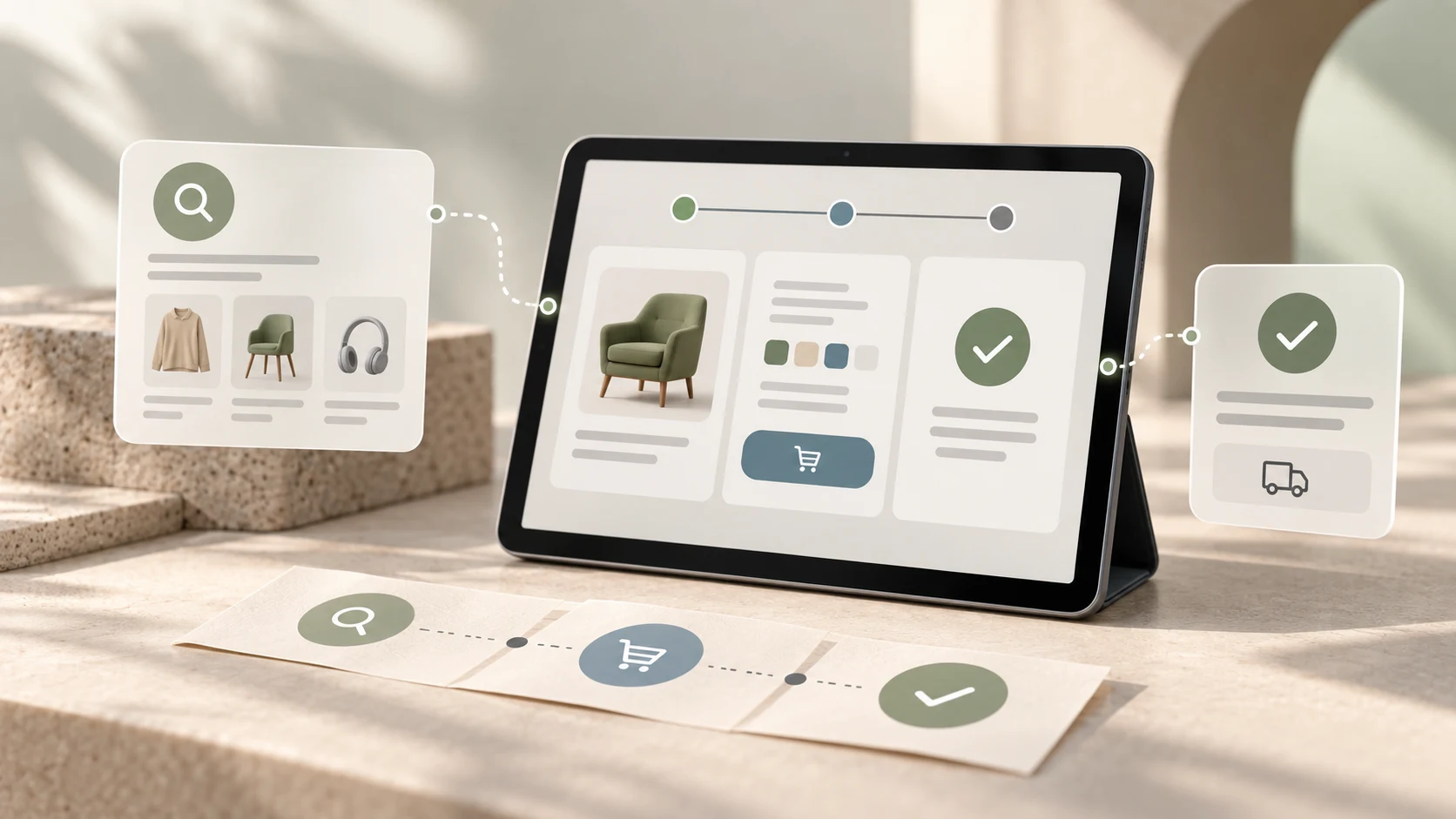
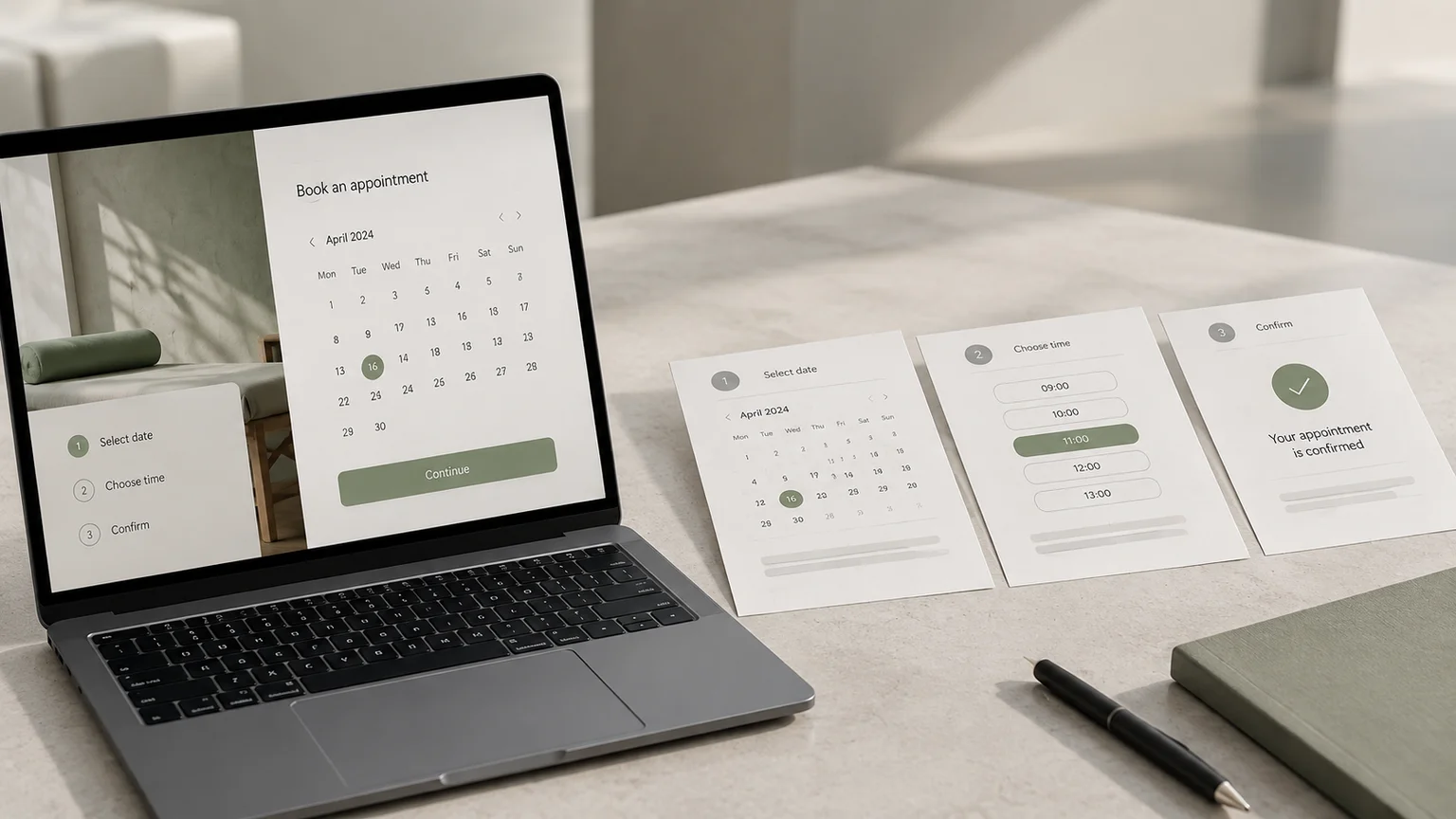
For example, someone booking an appointment needs to know which service to choose, when it is available, what it costs and whether the booking succeeded. A calendar alone cannot answer all of those questions. Designers must consider the information and sequence around it.
This broad view is consistent with Nielsen Norman Group's explanation of user experience, which includes a person's interactions with a company, its products and its services. A confusing confirmation email can undermine an otherwise straightforward app.
UX work may include interviews, observation, organising content, mapping tasks and testing proposed solutions. The output should explain a decision: for example, showing the price before asking for personal details because people need that information to decide whether to continue. For the business context, see why user experience matters.
02 What is user interface design?
User interface design shapes the parts of a product that people use to interact with it. In websites and apps, those parts include navigation, text fields, buttons, icons, menus and the visual feedback that follows an action.
In the booking example, a UI designer decides how available dates differ from unavailable dates, how the selected time is shown and which button moves the user forward. These decisions involve appearance and behaviour together.
- Visual hierarchy: Make the appointment details and next action easy to find.
- Typography and spacing: Keep labels readable and related information grouped.
- Components: Reuse consistent buttons, fields and selection controls.
- States: Show what is selected, loading, unavailable, successful or in error.
- Responsive layouts: Keep the flow usable on smaller and larger screens.
A button's colour is a UI decision. Whether its label clearly explains the action is also a UI decision, with a direct effect on the experience. Treating UI as decoration misses much of its value.
03 How UI and UX work together: a booking example
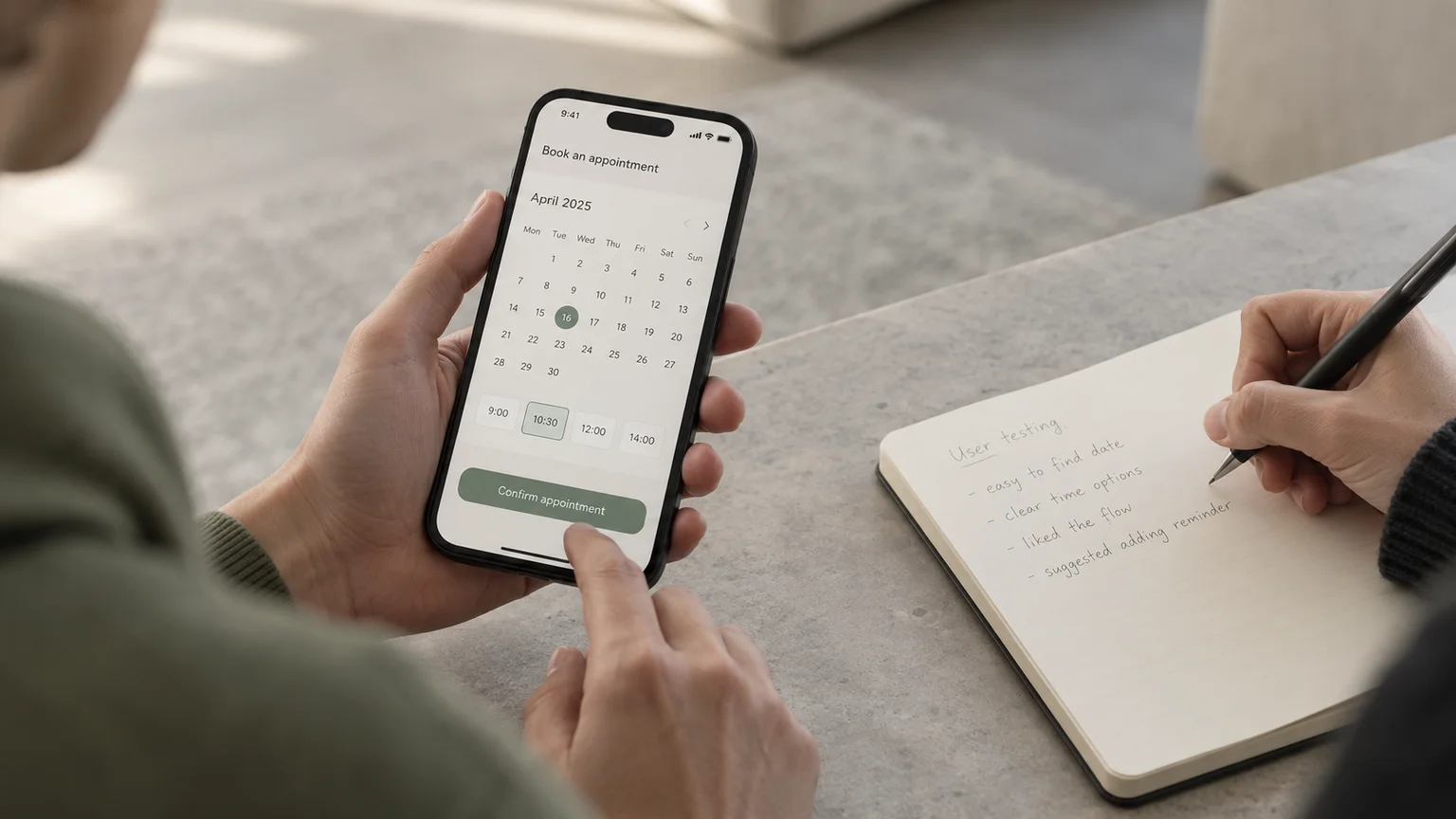
Imagine a fictional salon booking page where visitors choose a time, enter their details and only then discover the price. Some return to an earlier screen; others hesitate before confirming. This is an illustrative design problem, not a reported customer study.
A UX investigation would ask what visitors need to know before committing and observe where they struggle. One proposed change might show service duration and price before time selection. The team would then test whether that sequence helps people make a decision.
UI work makes that proposal usable: group the service name, duration and price; clearly mark the chosen time; use a specific button label such as “Confirm appointment”; and show confirmation details after submission.
Neither discipline can solve the problem alone. A clearer sequence still needs readable controls. Polished controls cannot compensate for missing information. UI is part of the broader experience, even when a team has separate UI designers, UX designers and researchers.
04 What does the UI/UX design process look like?
The process moves from understanding a problem to checking a possible solution. It is iterative: something learned in a test may send you back to the structure or the original problem definition.
1. Understand the people and the task
Talk to people who actually book appointments. Ask about their most recent booking and what happened, rather than asking whether they would like your proposed feature. Separate observations from guesses. “A participant looked for the price before selecting a date” is evidence; “everyone wants fewer screens” is an assumption.
2. Define the problem and organise the information
Write a focused problem statement, such as: “First-time visitors need to compare service price and duration before choosing a slot.” Decide what information belongs together and map the steps through the task. Include what happens when no suitable time is available.
3. Sketch wireframes
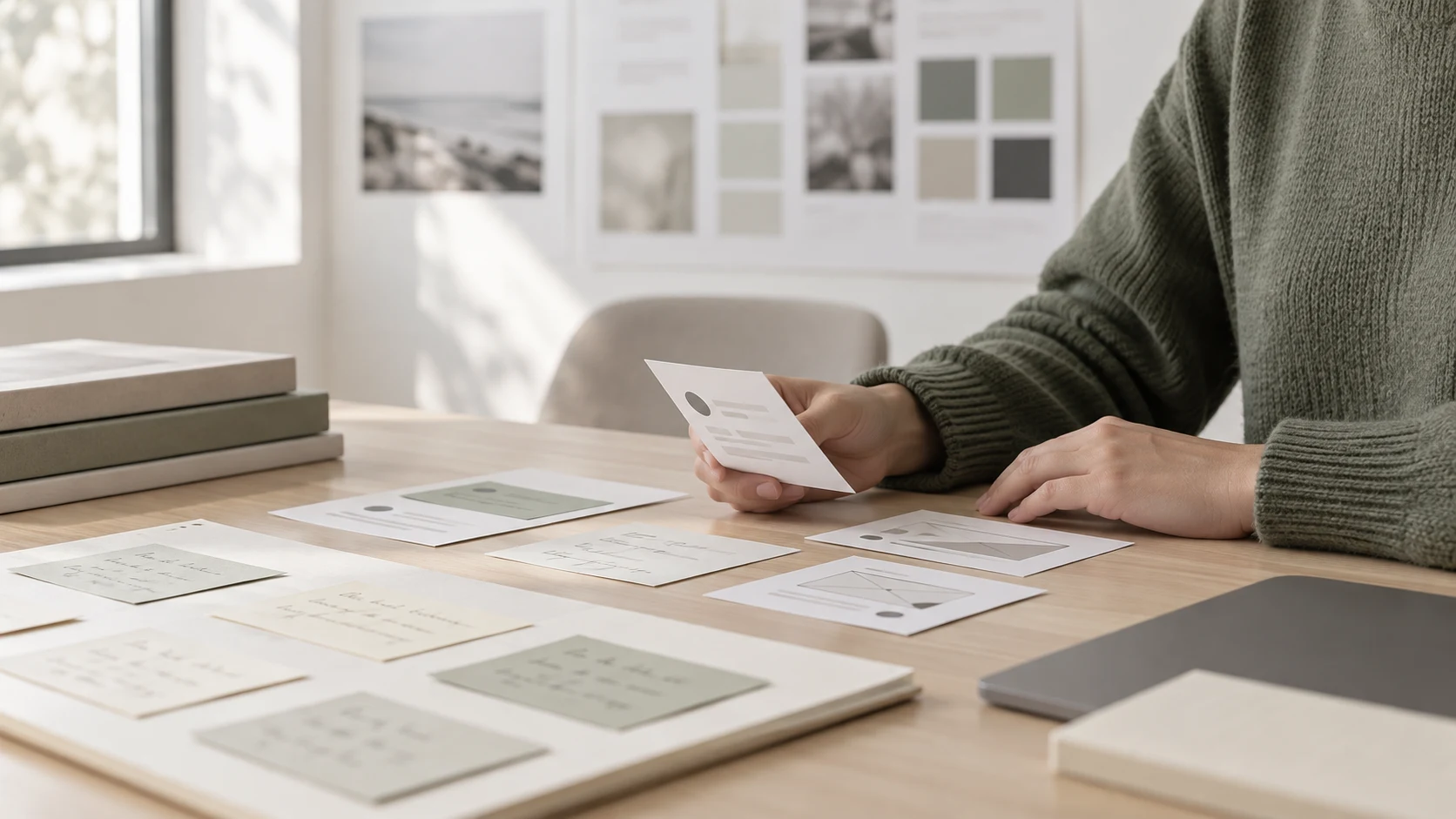
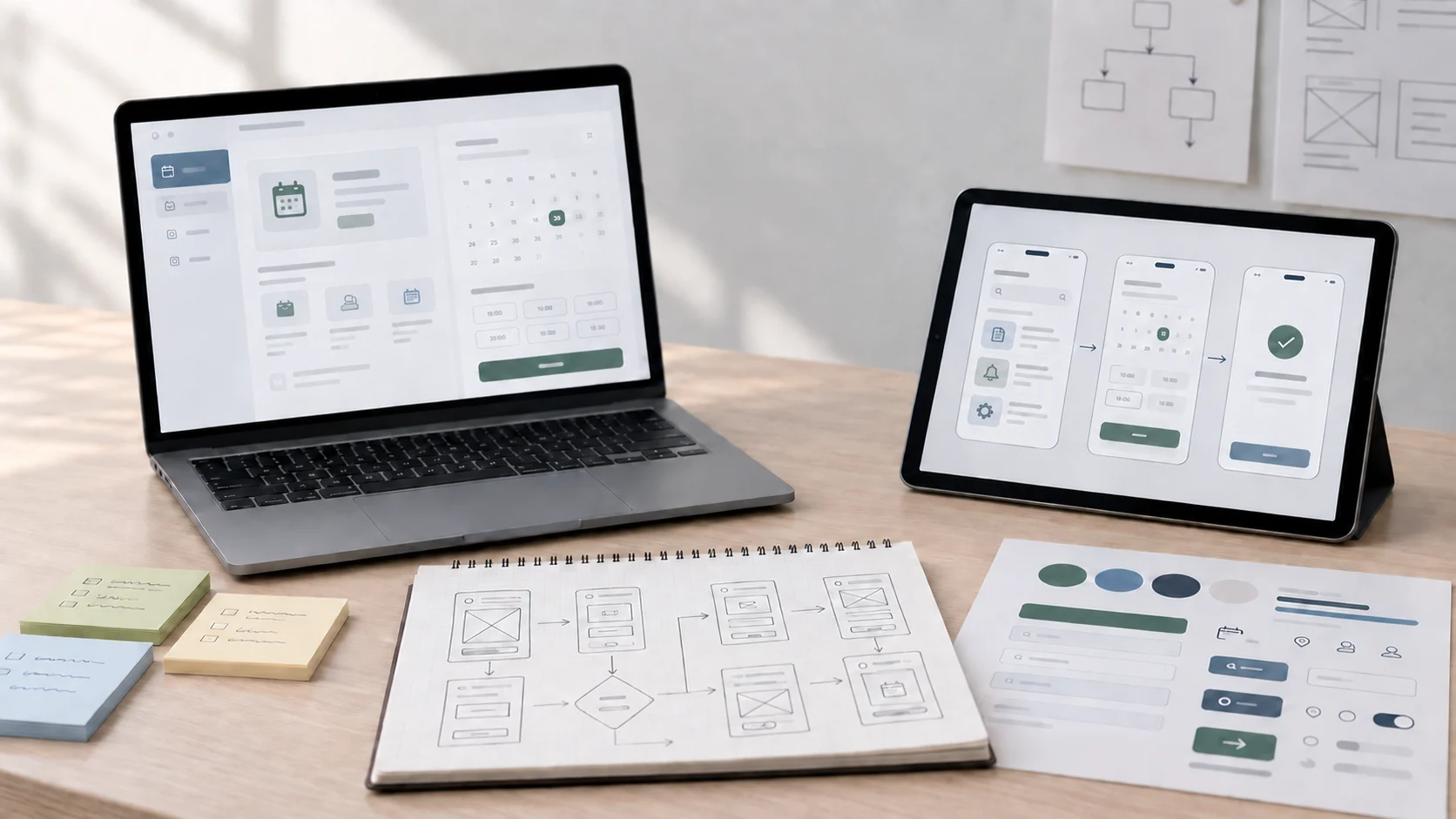
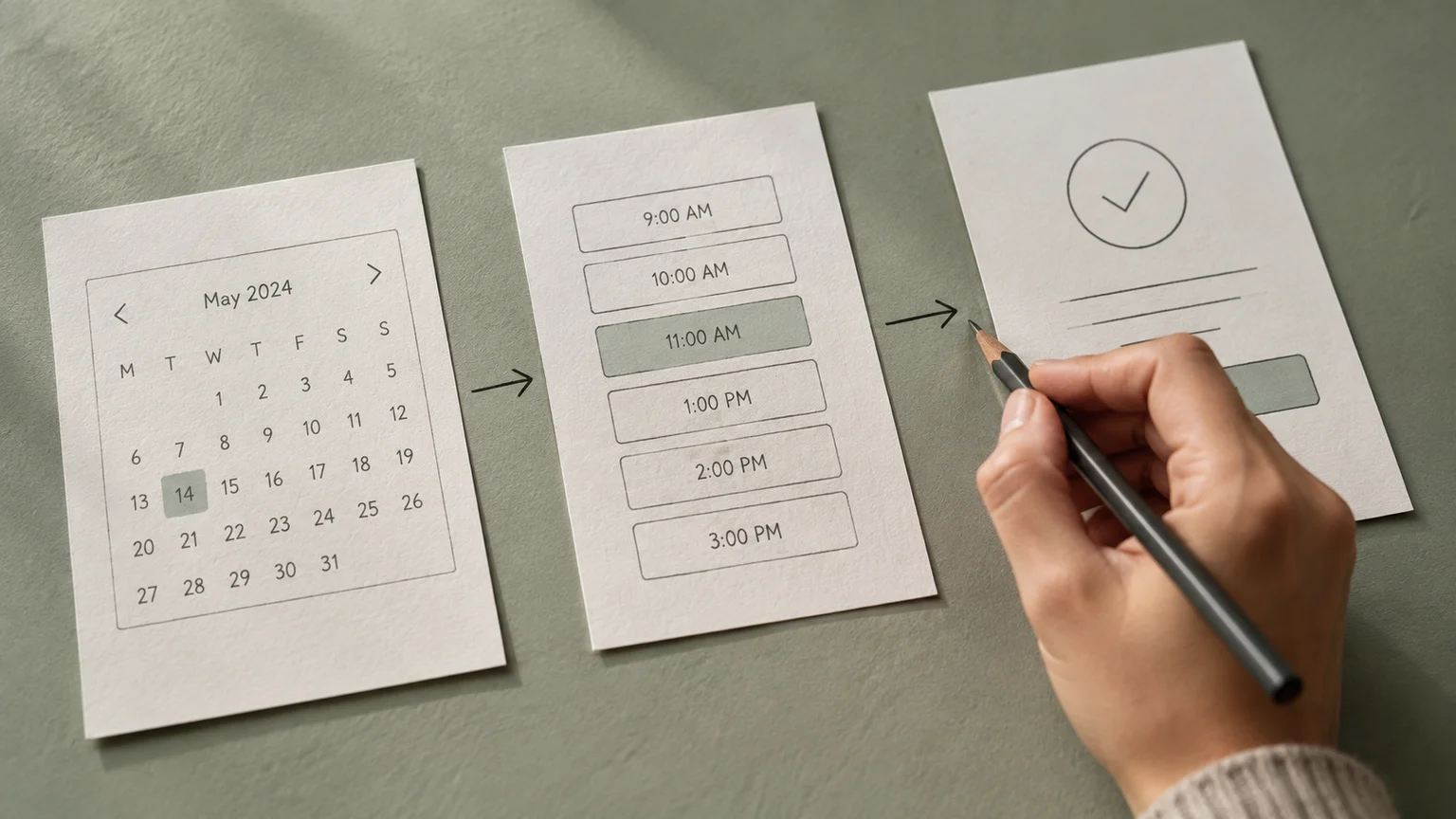
A wireframe is a simplified layout that shows content, controls and their order. Boxes and labels on paper are enough to explore alternatives. At this stage, compare structures rather than spending time perfecting shadows or icons.
4. Design the interface and create a prototype
Add readable type, consistent spacing, useful labels and clear states. A prototype connects screens so someone can try the proposed interaction. It can simulate the booking without processing a real appointment, so make its limitations clear during testing.
5. Test, refine and work with developers
Give someone a realistic task, observe what they do and revise the parts that cause difficulty. Explain the intended behaviour to developers, including errors and loading states. Check the implemented product too: a prototype cannot prove that the finished service is fast, accessible or reliable.
05 Try your first UI/UX design exercise
Design a small appointment flow with three steps: choose a service, choose a time and review the booking. Start on paper, then connect the screens in a prototyping tool if useful. Keep the scope small enough to revise the whole flow.
- Write the task: “Book a haircut for Saturday afternoon and check the total price before confirming.”
- List the necessary information: Service, duration, price, available times and confirmation details.
- Ask someone to try it: Ideally choose a person with relevant booking experience. Explain that you are testing the design, not their ability.
- Observe without coaching: Note where they pause, go back or misunderstand a label. Ask what they expect before revealing the next screen.
- Make one evidence-based revision: Record the observed problem, your change and what you would check next.
One informal session can reveal a problem, but it cannot establish how common that problem is. Present this as a learning exercise. Do not invent research participants or claim that a revised prototype increased bookings without measuring a real outcome.
Save your sketches and explain why the design changed. Those decisions are useful material for a future case study; the guide to building a UI/UX portfolio can help you present the work.
06 Common beginner mistakes to avoid
- Starting with a favourite visual style: First establish the task and information needs. A dramatic layout may be unsuitable for a form someone needs to complete quickly.
- Designing only the successful path: Include unavailable appointments, invalid entries, loading and recovery from errors.
- Confusing preferences with evidence: “I like this colour” does not show whether someone can recognise a selected time.
- Copying a screen without its context: Another product's layout may serve different users, content and constraints.
- Learning only a tool: Making screens quickly is useful, but you still need to explain the problem and evaluate your solution.
Accessibility also belongs in the work from the start. Use visible labels, avoid communicating selection through colour alone and plan keyboard focus and error messages. The W3C guidance on accessibility, usability and inclusion explains why these concerns should be addressed together. A pleasant test session or an attractive prototype does not by itself establish accessibility.
07 What should you learn next?
Begin with observation, clear writing, task flows, visual hierarchy and basic prototyping. Practise explaining the connection between a user's difficulty and your design choice. You can start without coding or illustration skills; your visual judgement and understanding of implementation can develop through practice.
A useful self-check is whether you can answer four questions about a screen: Who is it for? What are they trying to do? Why is the information arranged this way? What evidence would make you change it?
To practise these skills with a structured curriculum, explore Zolve Academy's Professional UI/UX Design & AI-Powered Workflow Program. Review its modules in UX research, user flows, Figma, interface design, prototyping and usability testing, then use the course enquiry option to discuss your starting point and learning goals.
FAQ
Common questions about What Is UI/UX Design? A Beginner's Guide to User Experience and Interface Design
A quick summary of the most common questions readers have about this topic.
UI/UX design means shaping a product's interface and the experience of using it. UI covers controls, visual hierarchy and interaction states. UX considers whether people can achieve their goals through a useful, understandable experience.
UI design contributes to the overall user experience. Teams may assign UI and UX to separate specialists, but interface decisions and experience decisions overlap and should be developed together.
You can start with research, paper sketches and clickable prototypes without writing code. Understanding how websites are built helps you discuss feasibility with developers, and some hybrid roles also require coding.
You do not need illustration skills to begin. Simple boxes, labels and arrows can communicate a flow. You will need to practise visual skills such as typography, spacing, colour and layout.
Choose one small task, learn about the people doing it, sketch the steps, create a prototype and observe someone trying it. Record the problems you found, what you changed and what remains untested.