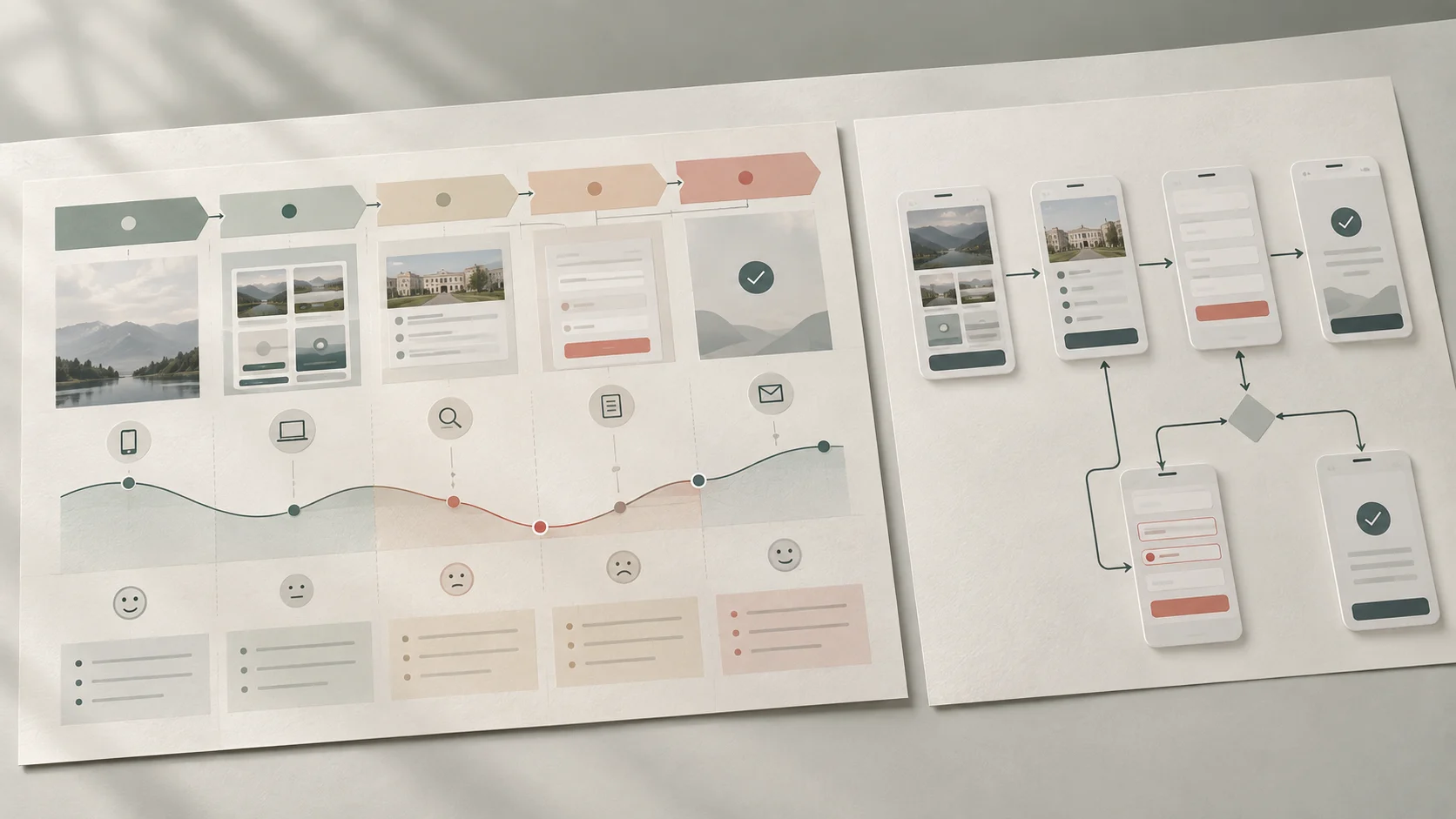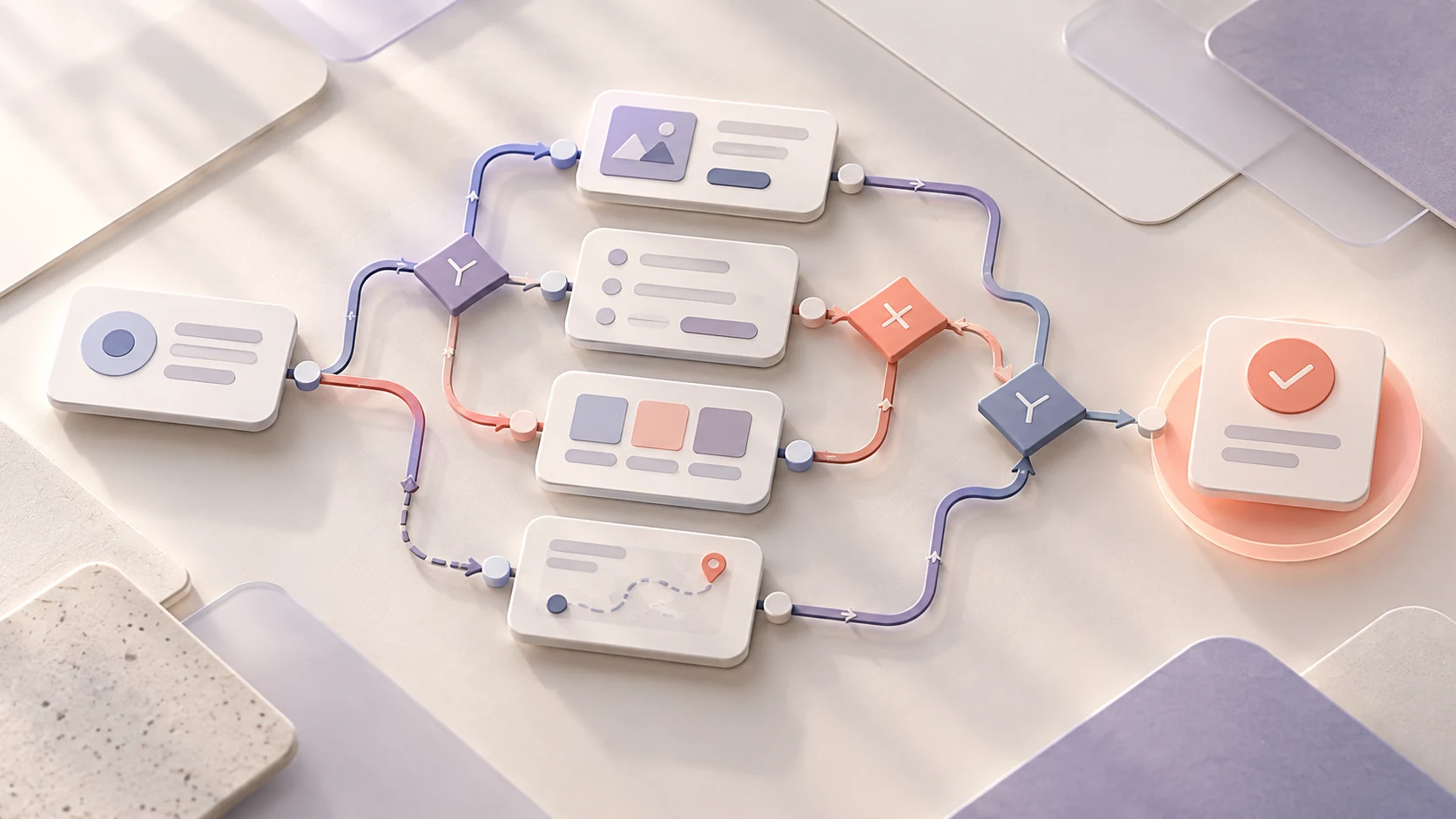
The first user flow you draw is rarely the only possible one. A task might use a guided sequence, progressive disclosure, a review step or a shorter path for returning users. AI can help a designer surface those alternatives quickly—but it cannot decide which experience deserves to be built.
AI is most useful for expanding the design space: generating flow options, exposing missing states, challenging assumptions and turning rough ideas into clearer questions. The designer remains responsible for the problem definition, evidence, trade-offs and validation.
This guide is for UX beginners, students and working designers who want a practical, responsible way to use AI during early flow design. It assumes that you understand the basic distinction between a broad journey and a task-level flow; if not, start with our guide to user journeys and user flows.
The useful role of AI in flow design
- Give it context: user goal, evidence, start point, rules and constraints.
- Use it to diverge: request genuinely different interaction approaches.
- Use it to challenge: ask about errors, exits, recovery and accessibility.
- Converge with judgment: compare options against evidence and feasibility.
- Prototype and test: treat every generated flow as a proposal, not proof.
01 What can AI actually help with?
A user flow represents the paths and system responses involved in completing a defined task. AI can work with a written description of that task and propose structures that are easy to discuss before detailed interface design begins.
Useful applications include:
- turning a task description into a first-pass list of steps and states;
- proposing alternative approaches rather than polishing one idea too early;
- finding overlooked entry points, branches, permissions and dependencies;
- listing error, empty, loading, cancellation and recovery states;
- role-playing questions from a user, developer, content designer or accessibility reviewer;
- rewriting flow labels so that actions and system responses are unambiguous; and
- turning unresolved assumptions into research or usability-test questions.
These are exploration and critique tasks. AI does not observe your users, know the full product environment or guarantee that a suggestion complies with your requirements. It can sound confident while filling missing context with a plausible assumption. That is why the quality of the process matters more than the fluency of the output.
02 Start with evidence, not a blank prompt
A vague request such as “create a good onboarding flow” leaves almost every important decision unstated. The generated answer may be neat, but it has no reliable connection to a particular user, goal or constraint.
Before asking for ideas, prepare a compact flow brief:
- User: who is completing the task and what relevant context is known?
- Goal: what observable outcome are they trying to reach?
- Entry point: where and why does the flow begin?
- Evidence: which research observations or established behaviour patterns matter?
- Rules: what business, content, consent or system conditions apply?
- Constraints: what devices, accessibility needs, time limits or technical boundaries matter?
- Known risks: where could the user make an expensive, confusing or irreversible mistake?
- Open questions: what is assumed, disputed or still unknown?
Keep evidence and assumptions separate. If research only shows that people want to understand what happens after submitting an enquiry, do not quietly turn that into “users prefer a three-step form.” The first is an observation; the second is a design hypothesis.
Protect the people behind the research too. Do not paste raw interview transcripts, names, contact details or confidential project information into an unapproved tool. The ICO's guidance on AI and data protection is a useful starting point for understanding responsibilities around personal data; your organisation's own policy and legal context still govern what you can use.
03 A practical AI-assisted workflow
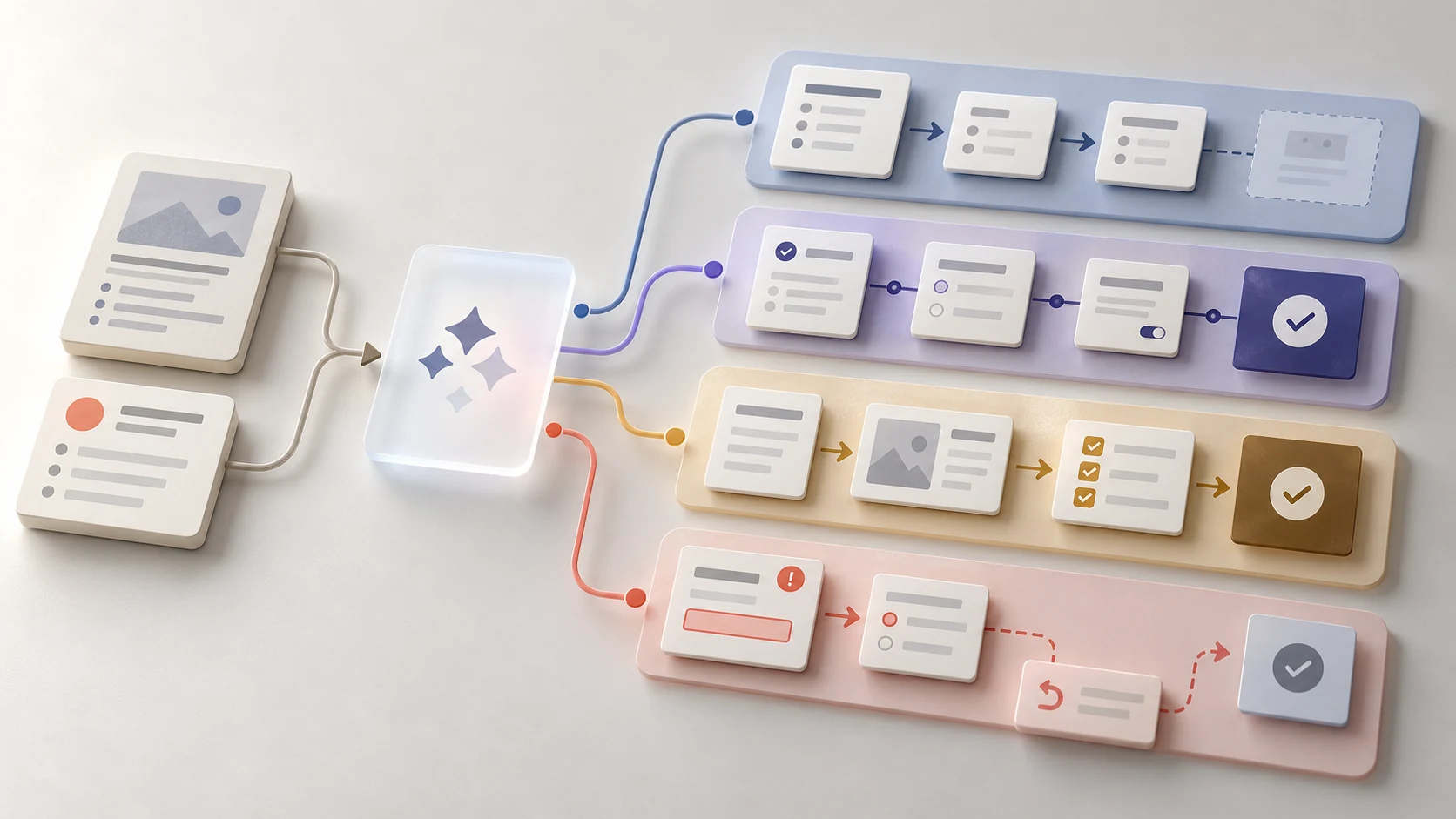
Step 1: define the design question yourself
Name the decision you are exploring. “How could a learner enquire about a course and understand the next step without losing entered information?” is more useful than “design an enquiry flow.” It defines the task and highlights two experience requirements.
Step 2: ask for a baseline flow
Provide the brief and ask AI to state its assumptions before mapping the main path. Review the response for invented rules, missing evidence and ambiguous steps. Correct the context before requesting more detail.
Step 3: deliberately generate alternatives
Request three or four approaches that differ in interaction model, not just wording. One might reveal information progressively, another might allow a single-page review, and another might support saving and returning. Ask for the user benefit, cost and risk of each.
Step 4: stress-test every route
Prompt for failures and edge cases: invalid input, interrupted connectivity, denied permission, duplicate submission, going back, cancellation and recovery. Then add accessibility questions. Can someone understand the sequence without relying on colour? Is focus managed after an error? Does time pressure create a barrier?
Step 5: combine and redraw
Do not accept a generated diagram as the design. Select or combine ideas, then redraw the flow in the team's working format. Label actions, decisions, system responses and unresolved questions consistently. This is where the designer turns suggestions into an intentional model.
Step 6: prototype and test the risky parts
A flow can look logical while its interface remains confusing. Build enough of the chosen route to test the important assumptions with relevant users. Observe what they understand, where they hesitate and whether recovery is possible. Use those findings to revise the flow.
04 Prompt patterns that produce more useful ideas
A strong prompt is not a magic formula. It is a clear working brief plus an explicit request for how the output should help you think.
Explore different interaction models
“Using only the supplied evidence and constraints, propose three meaningfully different flows for this task. For each, show the start, main steps, decisions, error recovery and completion. Explain the benefit, trade-off and assumption behind the approach.”
Find what is missing
“Review this flow as a critical UX partner. List missing states, unhandled user choices, unclear system responses and points where information may be lost. Separate definite gaps from questions that require product or user research.”
Apply a specialist lens
“Review the flow for keyboard use, error identification, understandable status changes and recovery. Do not claim compliance. Give specific questions for an accessibility specialist and issues to include in the prototype test.”
Challenge a preferred concept
“Assume the team prefers option B. Make the strongest evidence-based case against it. Identify users or situations it may disadvantage, hidden operational costs and what would need to be tested before choosing it.”
Notice that these prompts ask for alternatives, uncertainty and critique. They reduce the temptation to treat the first polished answer as the correct one.
05 Example: exploring a course-enquiry flow
Imagine a fictional learner wants to ask whether a UI/UX program can fit around full-time work. Existing evidence tells the team that clarity about the next step matters. The website can accept an enquiry, but response timing depends on staff availability. This scenario is illustrative, not a claim about measured Zolve Academy learner behaviour.
An AI-assisted exploration might propose:
- Direct form: a short form followed by a clear confirmation and stated follow-up process.
- Guided route: a few questions adapt which course information and contact options appear.
- Review-first route: the learner checks contact details, question and consent before submission.
- Save-and-return route: an incomplete enquiry can be resumed if the task requires information the learner may not have immediately.
The ideas are not equally justified. A save feature might add unnecessary complexity to a short form. An adaptive route could hide information people want to compare. A review screen might prevent mistakes but feel heavy for a low-risk message. The designer needs research, content, technical and operational input to decide which trade-offs are real.
AI has still helped: it expanded the conversation and made assumptions visible. The team can now ask sharper questions instead of debating one unexplored layout.
06 How to evaluate generated flows and design ideas
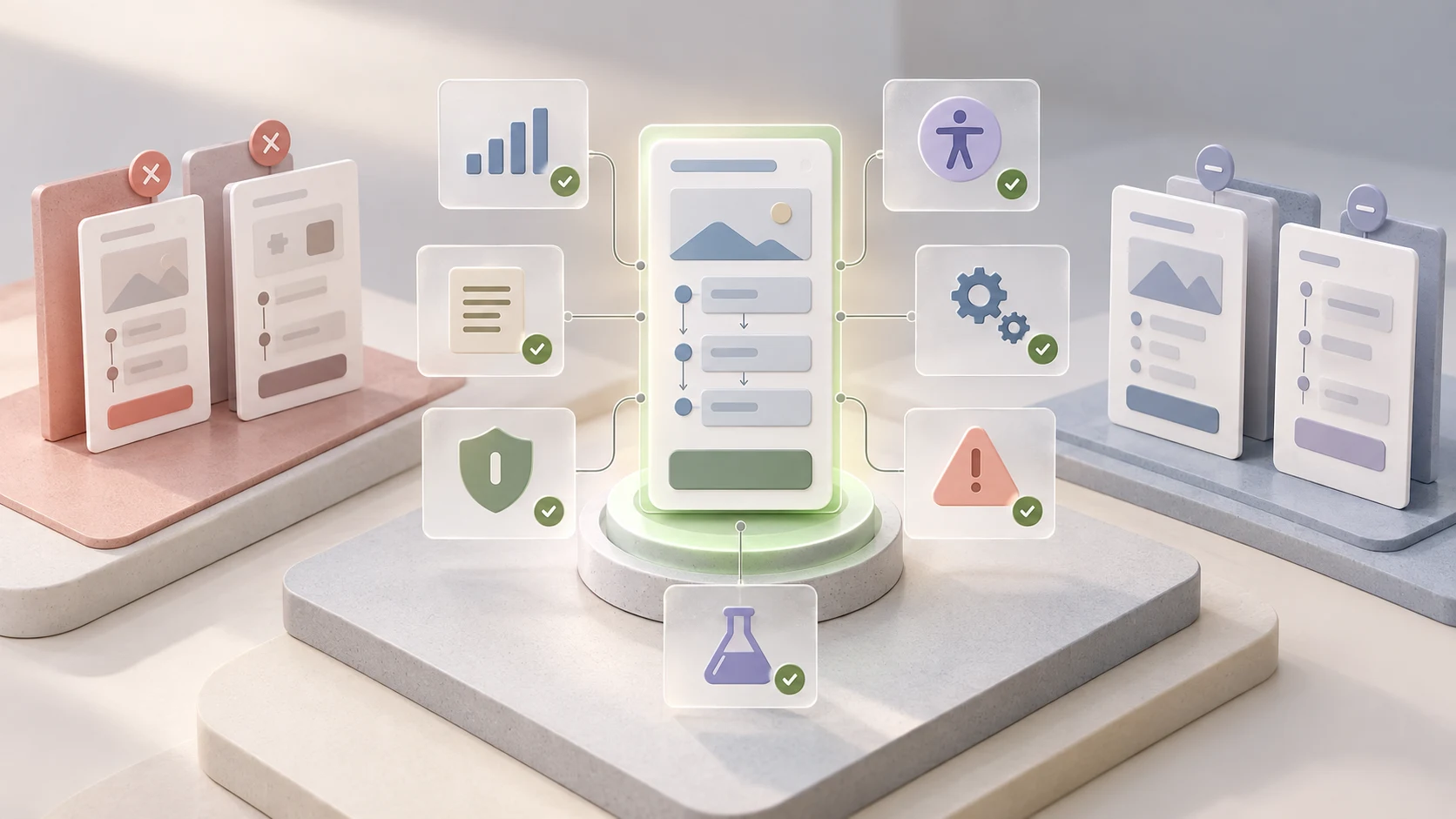
Use consistent criteria so that the most visually attractive option does not win by default.
- User evidence: which observed need or problem does each important step address?
- Task clarity: can a person understand where they are, what is required and what happens next?
- Control: can they go back, cancel, correct information and recover without unwanted consequences?
- Accessibility: does the proposed interaction create avoidable barriers across input, perception or comprehension?
- Content: is the information available at the moment it is needed?
- Privacy and trust: is data collection necessary, understandable and proportionate?
- Technical and operational reality: can the system and service team support the promised behaviour?
- Testability: which risky assumptions can be examined in a prototype or research session?
If AI itself appears inside the product flow, add another review layer. People need appropriate expectations, a way to correct or dismiss unwanted output and clear recovery when the system is wrong. Microsoft's research-based Human-AI Interaction Guidelines organise these considerations around initial use, interaction, failure and change over time.
07 Common mistakes to avoid
- Starting with no evidence: AI fills a blank brief with generic conventions and unstated assumptions.
- Generating volume instead of variety: ten near-identical flows create work without expanding the design space.
- Optimising only for fewer steps: a review, explanation or recovery state can add necessary effort and reduce risk.
- Letting AI invent product rules: verify permissions, validation, timing, content and operational commitments with the right people.
- Drawing only the happy path: include errors, interruptions, cancellation and re-entry where they matter.
- Treating a simulation as user evidence: an AI-generated persona or predicted reaction does not replace research with relevant people.
- Sharing sensitive inputs: minimise and anonymise data, and follow approved tools and policies.
- Skipping the rationale: record why a route was chosen, what was rejected and what still needs testing.
08 A beginner exercise: diverge, critique, converge
Choose a small task such as registering for a workshop, booking an appointment or submitting a course enquiry. Write a one-page brief with the user, goal, evidence, rules, constraints and unknowns.
- Draw your own baseline flow before using AI.
- Ask for three meaningfully different alternatives and their trade-offs.
- Mark every generated assumption that is not supported by the brief.
- Ask for missing states, recovery paths and accessibility questions.
- Score the options against evidence, clarity, control, accessibility and feasibility.
- Combine the strongest elements into a new flow you can explain.
- Prototype the riskiest interaction and write a short test plan.
Keep the initial flow, AI suggestions, critique and final decision together. That record shows your thinking and makes a stronger learning artefact than a polished final diagram alone. For a broader foundation, connect the exercise to the UX research process and the guide to using AI in UX research responsibly.
09 Use AI to widen the options, not weaken the reasoning
AI can help you move beyond the first obvious flow, notice branches you missed and critique an idea from several professional perspectives. Its value comes from faster exploration, not automatic correctness.
Begin with a real question and trustworthy inputs. Ask for alternatives and uncertainty. Make the decision criteria visible. Then prototype and test with people. That sequence keeps AI in a useful role: supporting design judgment rather than impersonating it.
Want to practise research, user flows, interface design, prototyping and AI-assisted critique as one connected process? Explore Zolve Academy's Professional UI/UX Design & AI-Powered Workflow Program, review the curriculum and use the course enquiry option to discuss your goals and starting point.
FAQ
Common questions about How AI Can Help Designers Explore User Flows and Design Ideas
A quick summary of the most common questions readers have about this topic.
AI can draft a flow from a well-defined task, rules and constraints, but the result is a hypothesis. A designer still needs to check it against user research, product requirements, accessibility, privacy, technical feasibility and usability testing.
Provide the user, goal, starting point, known evidence, important business rules, available system states, constraints and the decision you need to make. Label assumptions clearly and remove personal or confidential information.
Ask for a small set of meaningfully different approaches rather than many superficial variations. Three or four options are often enough to compare interaction models, identify trade-offs and combine the strongest ideas.
No. AI can reorganise supplied evidence, suggest questions and expose possible branches, but it cannot prove what real users need or whether they can complete a task. Research and testing provide that evidence.
Do not paste raw participant data, personal information, confidential business material or unreleased product details into a tool unless your organisation has approved that use and the tool's data handling is appropriate. Minimise, anonymise or synthesise inputs first.