A screen can look clear to the person who designed it and still leave a first-time visitor wondering what to do next. The fastest way to see that gap is to watch someone try a real task.
To conduct a usability test, choose one design question, recruit people who resemble your users, give them realistic tasks without revealing the route, observe their actions, then use the evidence to revise the interface. You can do this with a live website, an app or a clickable prototype.
This guide is for UI/UX students, career switchers and small product teams running their first moderated test. We will use a course website example: can a prospective learner find the curriculum and work out how to enquire?
Your first usability test checklist
- Write one question the study must answer.
- Choose a representative task and define what completion looks like.
- Recruit people with relevant goals, not just convenient colleagues.
- Run a pilot to catch broken links, unclear instructions or prototype gaps.
- Observe without coaching; take notes on actions and words.
- Group findings, make a focused change and test again.
01 Decide what you need to learn
A usability test examines whether people can use an interface to achieve a goal. It is more specific than asking whether they like a design. Begin with a question such as, “Can a new visitor find the course curriculum and identify how to ask about enrollment?” That question tells you which flow to test and what to observe.
Pick the version that matches your decision: an early wireframe for structure, a clickable prototype for a proposed flow, or a live product for an existing problem. Note what the test cannot show. If a prototype has no working form submission, you can study whether the enquiry action is discoverable, but cannot claim the submission works.
02 Recruit participants and prepare the session
Recruit people who could reasonably have the goal in your task. For the course example, that might be prospective learners considering a design program. A teammate who already knows the site is less useful for testing first-time navigation. A small qualitative round can reveal valuable problems; do not treat its results as a statistically representative pass rate.
Prepare the device, link, starting screen and any test account. If the task involves checkout, applications or personal details, use a safe test environment and explain what is simulated. Ask permission before recording audio or screens, explain how notes will be used, and avoid collecting personal information you do not need. Give participants a way to stop at any time.
Run the full script once with a pilot participant. This checks whether the task makes sense, the session fits the time available and the prototype supports the actions you expect to observe.
03 Write tasks around goals, not interface controls
A useful task describes a situation and an outcome. It does not name the button or page you hope the participant will use. For example:
Example task
“You are comparing UI/UX courses. Find out what this program teaches, then show me how you would ask a question before enrolling.”
Avoid “Click the Curriculum tab and press Enquire Now.” That instruction gives away the path and hides discoverability problems. Before the session, define success in observable terms: the participant finds the curriculum information and reaches an appropriate enquiry option. Also record detours, hesitation, misunderstood labels and points where they ask for help. These details explain a result better than a simple success or failure label.
For a longer journey, choose a few tasks that answer distinct questions. Repeating the same path with slightly different wording makes the session tiring without adding much evidence.
04 Moderate without steering
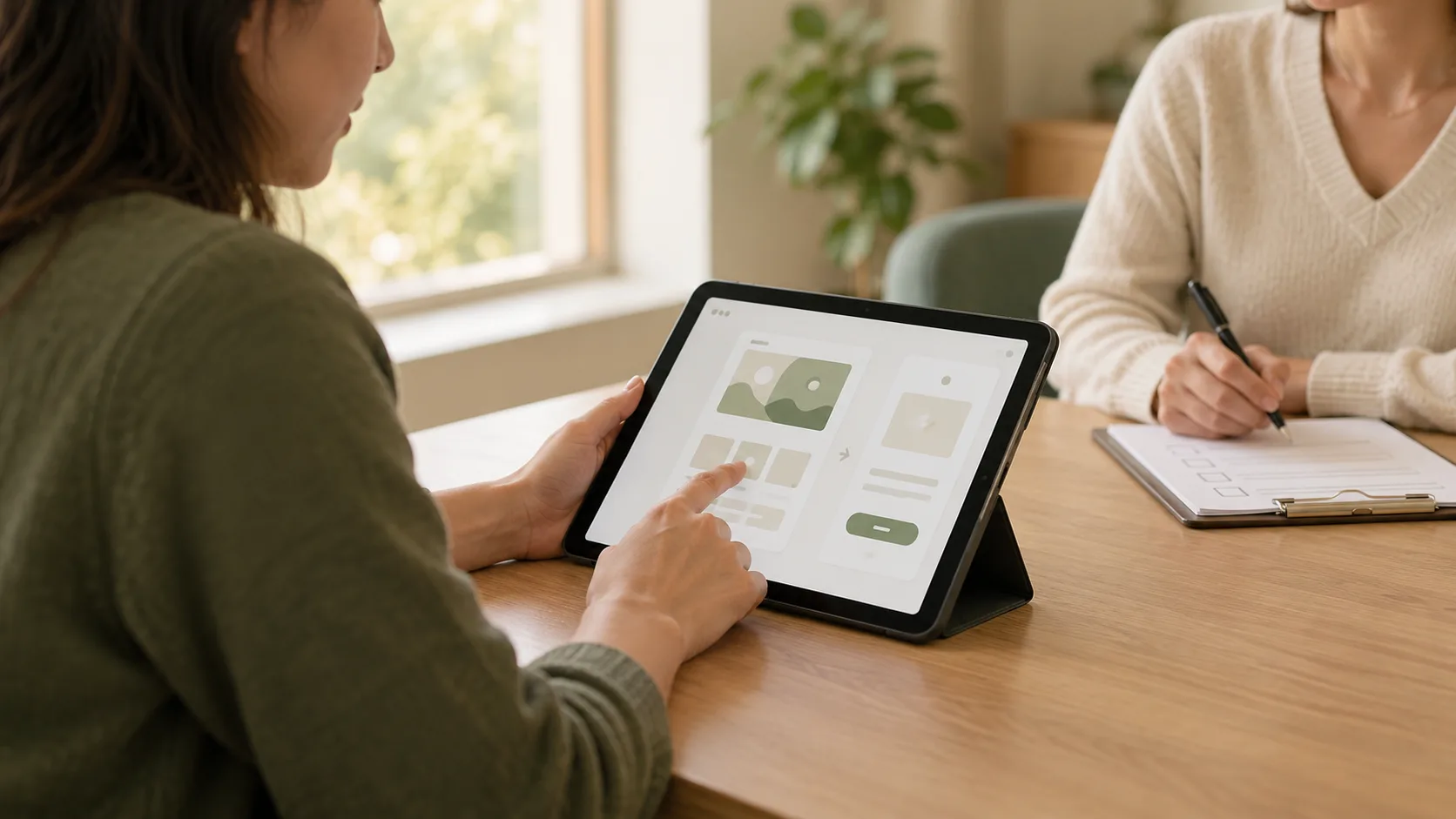
Start by explaining that you are evaluating the design, not the participant. Ask them to work as they normally would and, if comfortable, say what they expect as they move through the site. Read the task, let them begin, and leave room for silence. A pause may tell you that a label or next step is unclear.
Use neutral prompts when needed: “What are you looking for?” or “What did you expect to happen?” Avoid “Did you see the button on the right?” because it directs attention to the answer. If you must assist so the session can continue, note where and how you helped.
One person can facilitate and take notes for a small study, although a separate note-taker makes it easier to watch behaviour closely. For a remote test, check screen sharing and audio in advance. Keep the participant's environment and any access needs in mind; an inaccessible test setup can obscure the problem you are trying to study.
05 Turn observations into design decisions
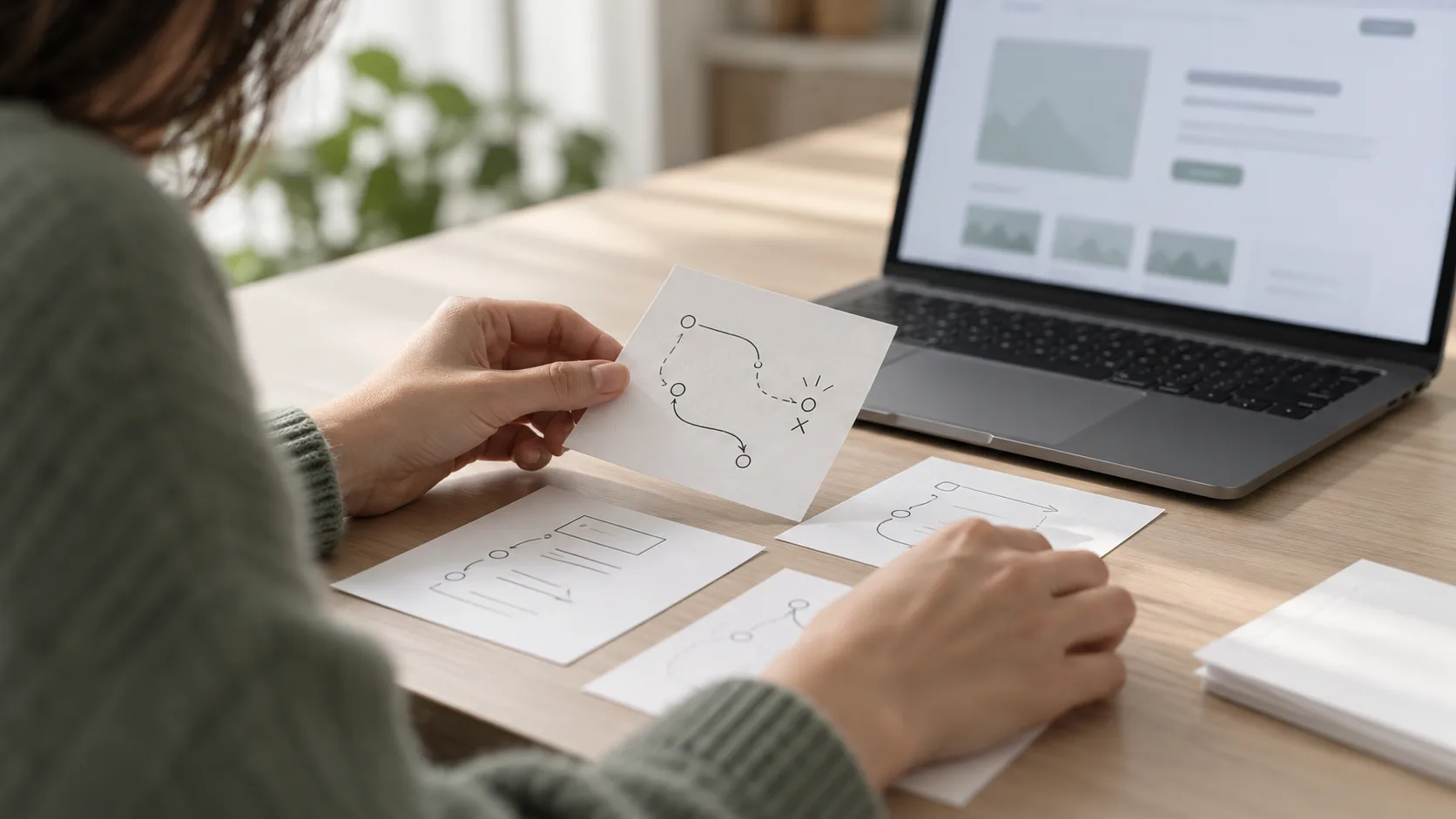
Write down what happened before deciding why it happened. “The participant opened the course overview three times and did not find the curriculum” is an observation. “The curriculum link needs stronger visual hierarchy” is a possible explanation. Keeping those separate helps you avoid redesigning around the first guess.
After each session, organise notes by task. Look for repeated obstacles and for a single severe issue that prevents completion. Describe each finding with the user goal, observed behaviour, likely impact and evidence. Then choose a change you can test. If people overlook the curriculum, you might change the label or placement and run another short round. If they reach the enquiry option but fear submitting it, the problem may be the form copy or missing expectations.
A test gives evidence about the people, tasks and version you observed. It does not prove a design works for everyone. Link findings back to the decision you started with; the guide on turning UX research into design decisions explains how to keep that chain clear.
06 Common mistakes to avoid
- Testing with the wrong audience: recruit for the task, even in a small study.
- Leading with instructions: give a goal without naming the interface control.
- Rescuing too soon: observe the point of friction before offering help.
- Confusing opinions with behaviour: ask about impressions, but also watch what people do.
- Overclaiming from a few sessions: use a small test to discover issues, not to report a population-wide success rate.
- Stopping at a list of problems: prioritise, revise and test the changed flow.
07 Make the next test smaller and sharper
You do not need a laboratory to learn from a usability test. You need a clear question, people with a relevant goal, a realistic task and careful observation. Start with one consequential flow. What you see will help you decide whether to change the navigation, wording, sequence or feedback, then check whether the revision helps.
Want to practise research, prototyping and usability testing as part of a structured design workflow? Explore Zolve Academy's Professional UI/UX Design & AI-Powered Workflow Program, review the curriculum and use the course enquiry option to discuss your learning goals.
FAQ
Common questions about How to Conduct a Usability Test for a Website or App
A quick summary of the most common questions readers have about this topic.
A usability test is a session in which a person who resembles your intended user attempts realistic tasks with a website, app or prototype while you observe what happens. It helps reveal where the interface supports or obstructs the task.
For an early qualitative test, start with a small set of relevant participants and look for recurring problems. The right number depends on your question and audience; a small test is for finding issues, not estimating a population-wide success rate.
Yes. A clickable or paper prototype can reveal whether people understand a flow before development. Tell participants what is simulated, and avoid judging interactions the prototype cannot actually support.
Allow a reasonable pause so you can see where the difficulty occurs. Use a neutral prompt such as 'What are you thinking?' and offer help if the person becomes uncomfortable or cannot continue. Record the intervention because it changes the result.
Group observations by task and problem, separate what happened from your interpretation, prioritise issues by impact and confidence, make a focused change, and test the revised flow again.