A product can look polished and still leave people unsure what to do next. User experience design helps teams understand that gap and shape an experience around the person’s goal.
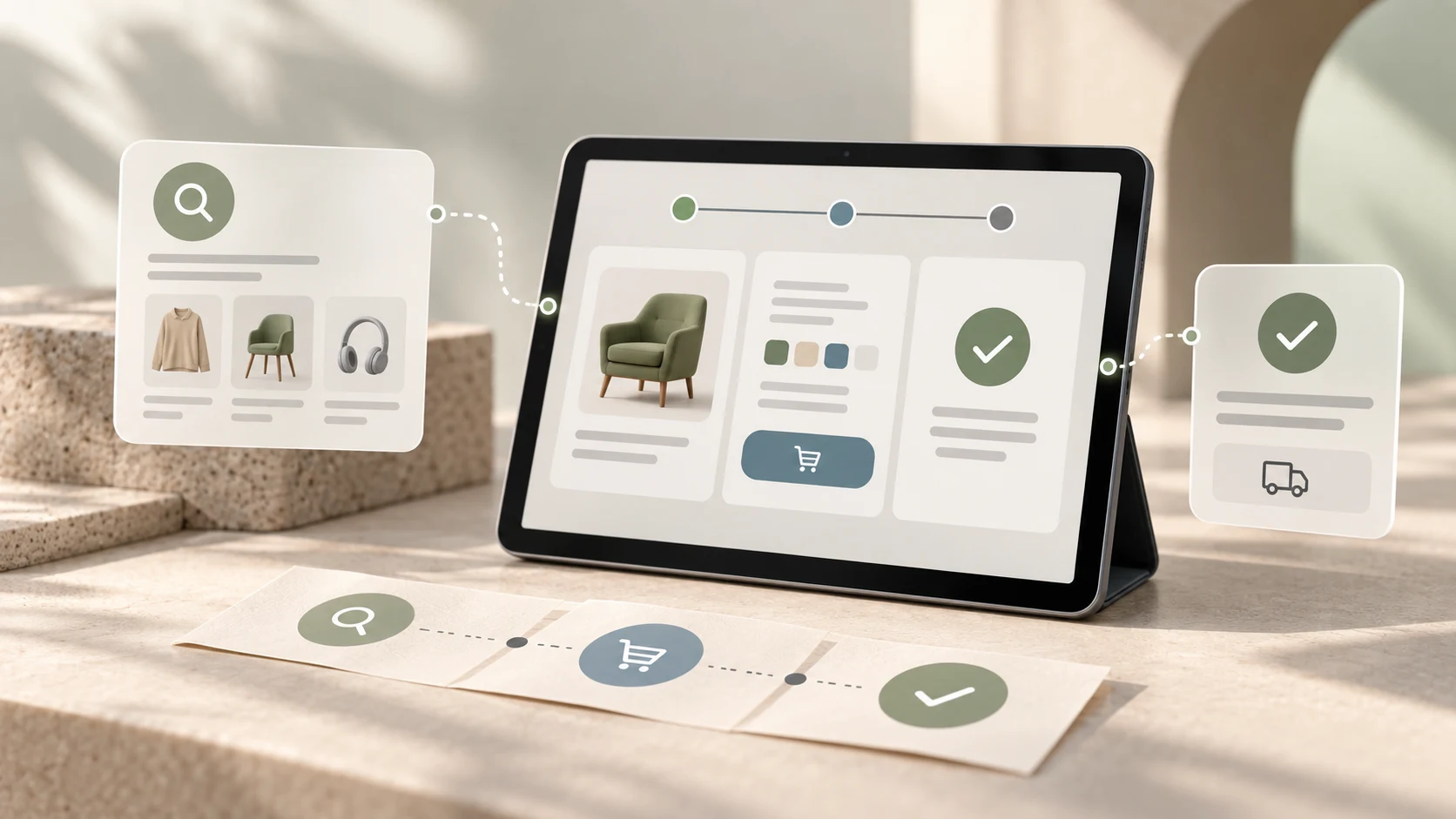
User experience (UX) design is the practice of understanding people's needs and designing the connected steps, information and interactions that help them accomplish a goal. It applies to apps and websites, but also to the services around them: finding information, getting help, receiving confirmation or correcting a mistake.
This beginner's guide explains what UX design includes, the principles behind useful experiences and a practical way to try the work. It is for students and career switchers building a foundation before choosing tools or creating portfolio projects. For the related interface discipline, see our introduction to UI/UX design.
UX design in a few points
- Start with a real person, goal and context.
- Make the next step and required information understandable.
- Consider the whole journey, including errors and support.
- Check assumptions by observing people use a proposal.
- Improve the experience in response to evidence and constraints.
01 What does UX design include?
A user experience is what a person encounters while trying to do something with a product or service. UX design is the work of understanding that experience and making deliberate choices about how it should work.
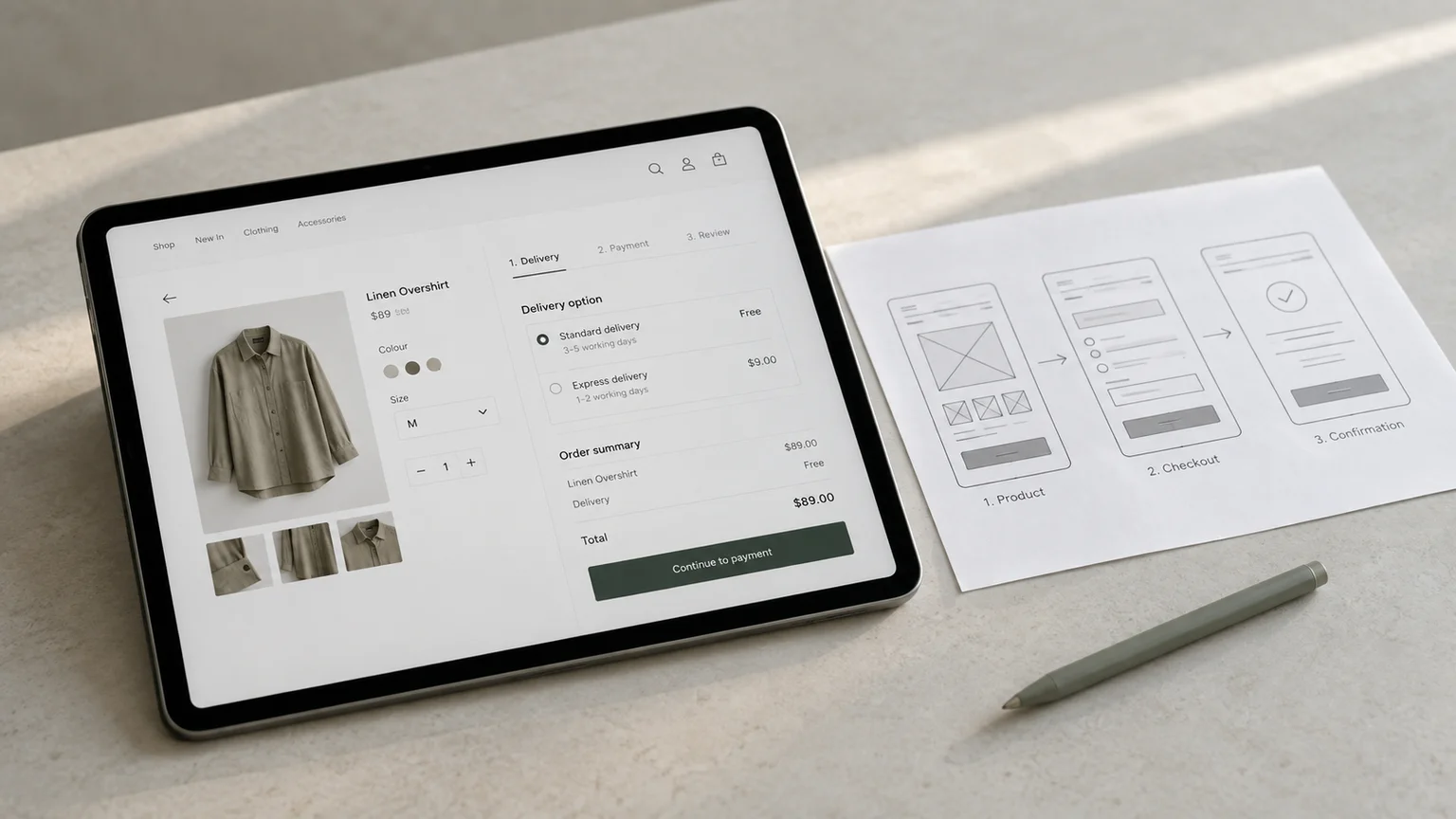
Consider a student trying to enrol in a short course. Their experience may include discovering the course, understanding what it covers, comparing schedules, submitting details, paying, and receiving joining instructions. A well-designed enrolment form cannot compensate for unclear course information or a confirmation that never arrives.
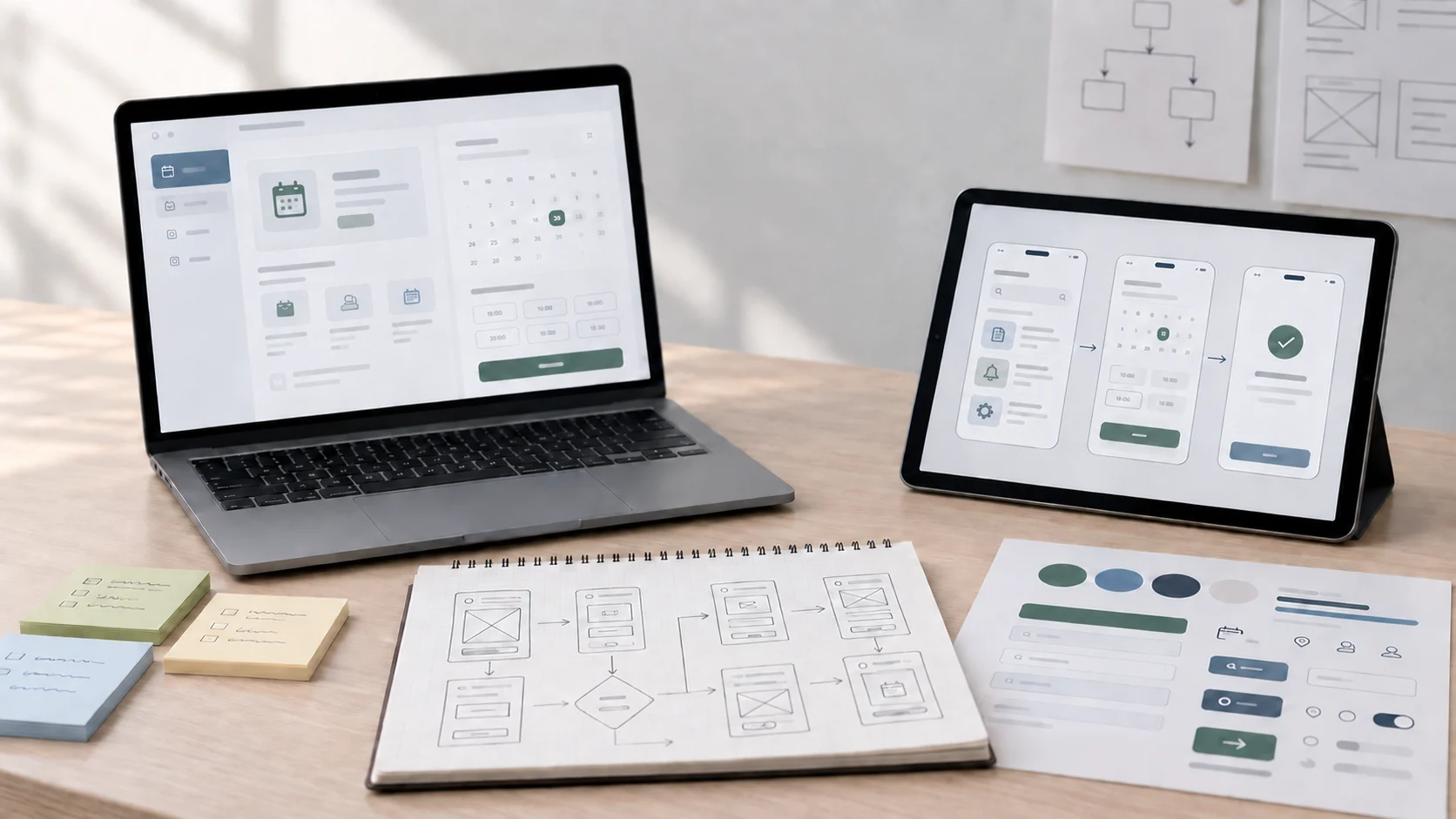
UX work may involve research, task flows, information architecture, interaction design, content, prototyping, usability evaluation and collaboration with developers. Not every project needs a separate artifact or specialist for each activity. The work should fit the decisions the team needs to make.
02 UX design and UI design: how are they related?
UX and UI describe connected areas of design, but they answer different questions. UX asks whether the overall journey supports a person's goal. UI asks whether the interface communicates information and actions clearly and lets people operate them.
For course enrolment, a UX question might be: can a prospective student compare the available schedules before sharing personal details? A UI question might be: can they tell which schedule is selected and what happens after they press “Enquire”?
A confusing interface can undermine a sound journey, and a visually clear screen cannot fix an unsuitable process. Many designers work across both areas; team roles differ. Read our practical comparison of UI and UX for more examples.
03 Principles every beginner should understand
Principles are useful prompts for making and reviewing design decisions. They do not replace context or research: the best solution depends on who is doing the task, why they are doing it and what constraints apply.
Begin with people's goals and context
Be specific about who needs to do what, where and under which conditions. “Make enrolment easier” is too broad to guide a design. “Help a prospective student compare the next two available course schedules before sending an enquiry” gives the team a task to investigate.
Do not assume that the person shares the team's vocabulary, has uninterrupted time or knows which details matter. Learn about the context through appropriate research and existing evidence, and separate observations from assumptions.
Make information and actions clear
People should be able to understand what information they are seeing, what choices are available and what an action will do. Use familiar labels where they fit, put related information together and explain terms that may be new to the audience.
For example, “Continue” gives little context on a form with several stages. A label such as “Review your enquiry” can set a clearer expectation when it accurately describes the next step.
Keep patterns consistent and predictable
When similar controls work in similar ways, people can reuse what they have learned. Consistency applies to wording, navigation, layout and interaction feedback. It does not mean every page must be identical; use a different pattern when the task genuinely calls for it.
Show what happened and what comes next
After an action, provide feedback that matches the system's actual state. If an enquiry is being sent, show progress when needed and confirm when it has succeeded. If the action failed, tell the person what went wrong and how to proceed, rather than leaving them to guess or submit repeatedly.
Support recovery, accessibility and varied situations
People make mistakes, change their minds and use products in different conditions. Provide ways to review or correct important details, write helpful error messages and consider keyboard use, readable text, sufficient contrast and assistive technology. Accessibility should be considered throughout design and implementation.
Test the experience, not your preferred idea
A design that seems obvious to its creator may be unclear to someone encountering it for the first time. Ask relevant people to try a realistic task in a prototype or existing product. Observe what they do, where they hesitate and what they expect. Use those observations to decide what to investigate or change.
04 A practical example: finding and enrolling in a course
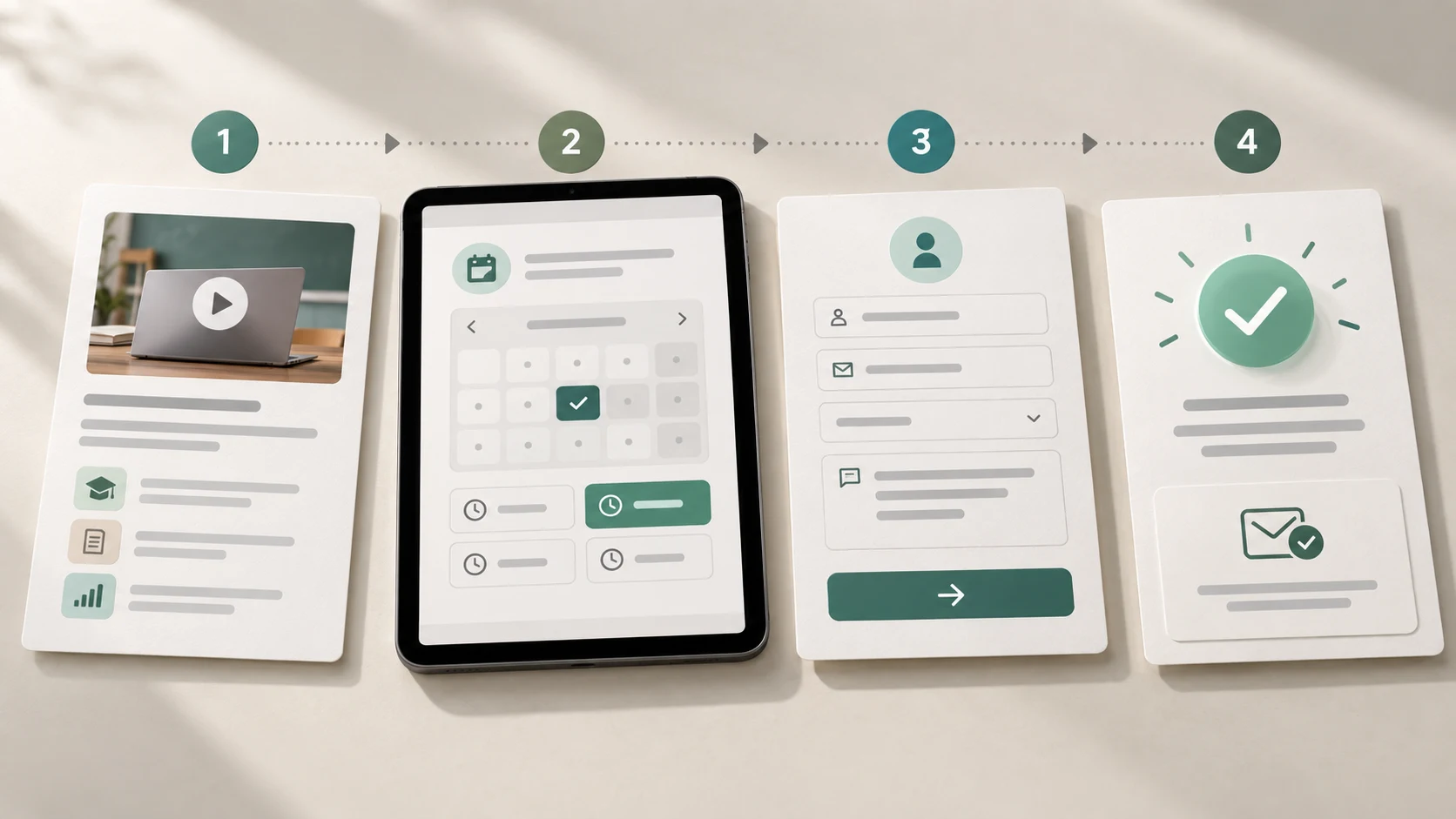
Imagine a prospective learner wants to know whether a course fits their schedule before contacting the academy. The team should first understand what “fits” means: perhaps the learner needs the next start date, class timing, delivery format and a clear way to ask a question.
A designer could map the steps from course discovery to enquiry, then look for gaps. Is the schedule easy to find? Are dates current? Does the form explain which details are required? After submission, does the learner know whether the enquiry was received and what response to expect?
The designer might sketch a revised page structure and a short enquiry flow, then test a prototype with people who resemble the intended audience. If participants overlook the schedule, the team can try a more prominent location and test again. This is an illustrative example, not a report of Zolve Academy research or a claim about a live enrolment system.
05 A beginner's process for practising UX design
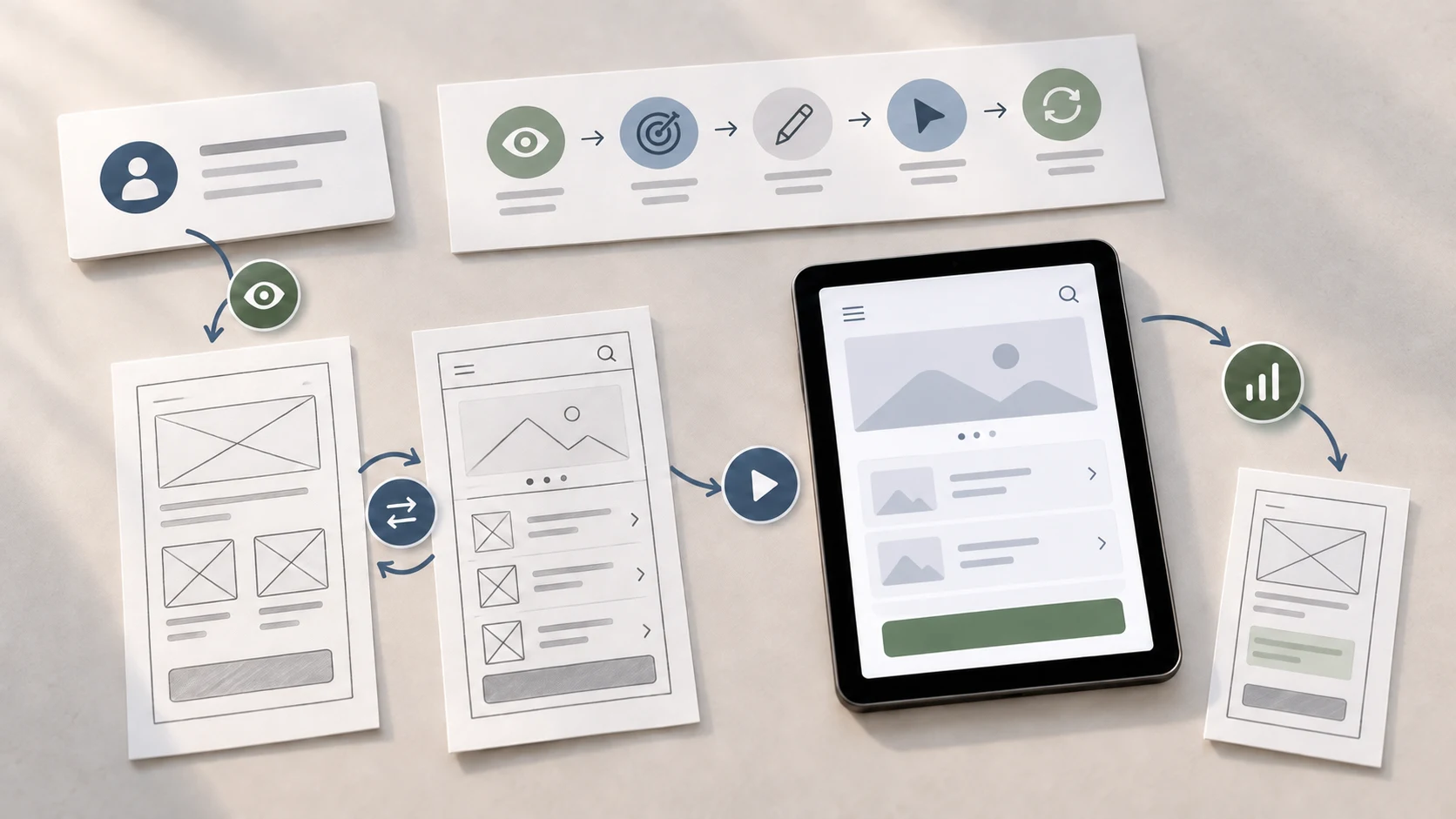
You do not need to redesign a whole app to practise. Choose one task you can explain clearly, such as finding an appointment time or comparing course schedules.
- Define the audience and task. Write who is trying to accomplish what and in which context.
- Learn what happens now. Review available evidence or observe a relevant person attempting the task. Ask neutral questions rather than suggesting a solution.
- Identify one specific difficulty. Describe what the person needs or cannot understand, and mark what you still do not know.
- Sketch more than one approach. Compare the order of information or steps before polishing a visual design.
- Prototype only what you need to learn. A simple clickable flow may be enough to check whether the sequence makes sense.
- Observe and revise. Give someone a task, watch without directing them, and record what happened. Make a change tied to an observation.
- Explain your reasoning. Show the problem, alternatives, evidence, constraints, decision and remaining questions.
This creates a more useful learning record than a gallery of polished screens alone. For a related guide to developing the visual side, see what a UI/UX designer does in a project.
06 Common UX design mistakes
- Designing from personal preference: Your own habits may not match the intended audience. Treat preferences as hypotheses to check.
- Jumping to screens too early: A polished interface cannot resolve an unclear user problem or missing product information.
- Optimising for fewer steps at any cost: A review step can help prevent an expensive mistake. Assess clarity and effort together.
- Testing only with teammates: Colleagues know the product and can unconsciously fill in missing context. Include people relevant to the task when possible.
- Assuming a prototype proves the final product works: A prototype can help evaluate a proposal, but it does not establish production reliability, accessibility conformance or business impact.
- Ignoring states and edge cases: Errors, empty results, interruptions and confirmations are part of the experience too.
- Presenting assumptions as research findings: Label what was observed, inferred and not yet tested. This keeps a case study accurate and useful.
07 A short UX review checklist
Before you call a proposal ready to test
- Can you state the audience, goal and context in one sentence?
- Is the information needed for the decision available at the right time?
- Are labels, available actions and next steps understandable?
- Have you considered error, loading, empty and success states that matter?
- Can people correct a mistake or recover from a failure?
- Have you identified accessibility and technical questions for the team?
- What evidence would show whether your proposal helps with the task?
08 How to keep learning UX design
Learn the reasoning behind research, task flows, information structure, interaction design and evaluation alongside interface tools. As you practise, make the connection between a user need and each important design choice explicit.
If you want guided practice across those activities, explore Zolve Academy's Professional UI/UX Design & AI-Powered Workflow Program. Review its course information and use the enquiry option to ask how its research, prototyping and interface-design work fits your experience and learning goals.
Frequently asked questions
What is user experience design in simple terms?
UX design is the practice of understanding people's needs and shaping a product or service so they can accomplish their goals clearly and effectively. It considers the whole journey, not just the screens.
What are the main principles of UX design?
Understand users and their context, make information and actions clear, keep relevant patterns consistent, provide feedback, support recovery, consider accessibility and test the experience with people. Apply these principles in a way that fits the task and evidence.
Is UX design the same as UI design?
No. UX considers the broader experience of accomplishing a goal; UI focuses on the interface people use. Interface decisions contribute to UX, and one designer may work across both.
How can a beginner practise UX design?
Choose one contained task, learn how someone currently completes it, identify a specific difficulty, sketch alternatives and test a simple prototype with a relevant person. Explain what you observed and what you still need to learn.
Do UX designers need to know how to code?
Not every UX role requires coding. Understanding technical constraints and responsive behaviour can help designers work with developers and propose feasible solutions.
Ready to practise UX as a connected process? Explore Zolve Academy's Professional UI/UX Design & AI-Powered Workflow Program, review the curriculum and send an enquiry about building your UX foundation through guided, practical projects.
FAQ
Common questions about What Is User Experience Design? Principles Every Beginner Should Understand
A quick summary of the most common questions readers have about this topic.
User experience design is the practice of understanding people's needs and shaping a product or service so they can accomplish their goals clearly and effectively. It includes the whole journey, not only the screens.
Useful UX design starts with understanding users and their context, making information and actions clear, maintaining consistency, providing feedback, supporting recovery, and testing the experience with people. The right choices depend on the task and evidence.
No. UX design considers the broader experience of accomplishing a goal, while UI design focuses on the interface people use. Interface decisions contribute to the overall experience, and the responsibilities may overlap on a team.
Choose one contained task, observe how someone currently completes it, identify a specific point of difficulty, sketch more than one approach, and test a simple prototype with a relevant person. Explain what you observed and what remains uncertain.
Coding is not required for every UX role. Understanding technical constraints, responsive behaviour and accessibility helps designers collaborate with developers and make feasible proposals.